
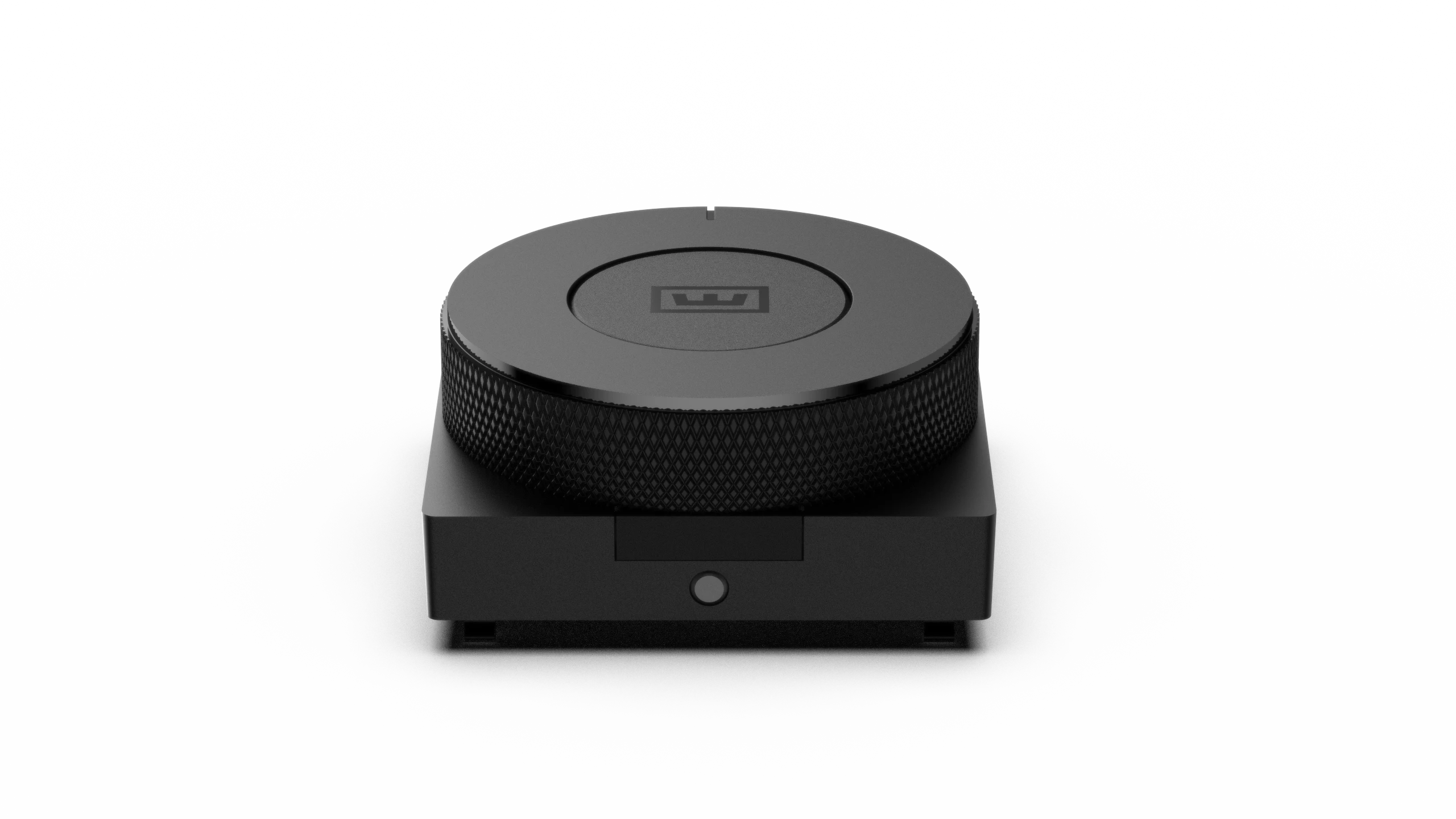
A new way to dial in
The perfect partner for your 80HE+. A fully programmable knob. Turn it. Press it. Make it yours. Unlock a new way to interact with your keyboard.

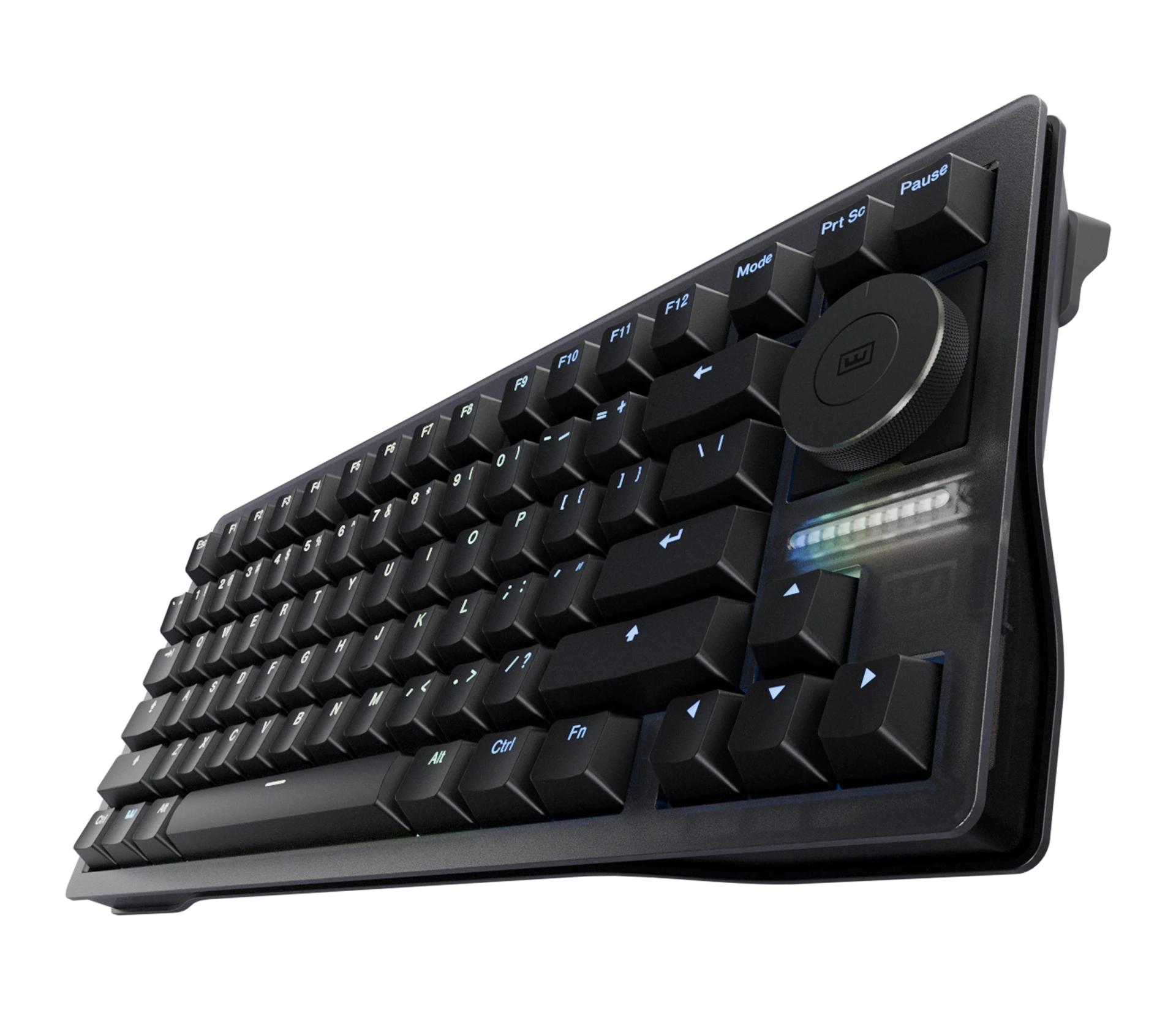
80% Keyboard
The Wooting 80HE+ builds on the original 80HE with improvements shaped by community feedback, professional players, and everything we’ve learned since its release.
Explore specificationsA high performance analog gaming keyboard with dedicated arrow keys, an F-row, and the full suite of Wooting features.
The perfect partner for your 80HE+. A fully programmable knob. Turn it. Press it. Make it yours. Unlock a new way to interact with your keyboard.
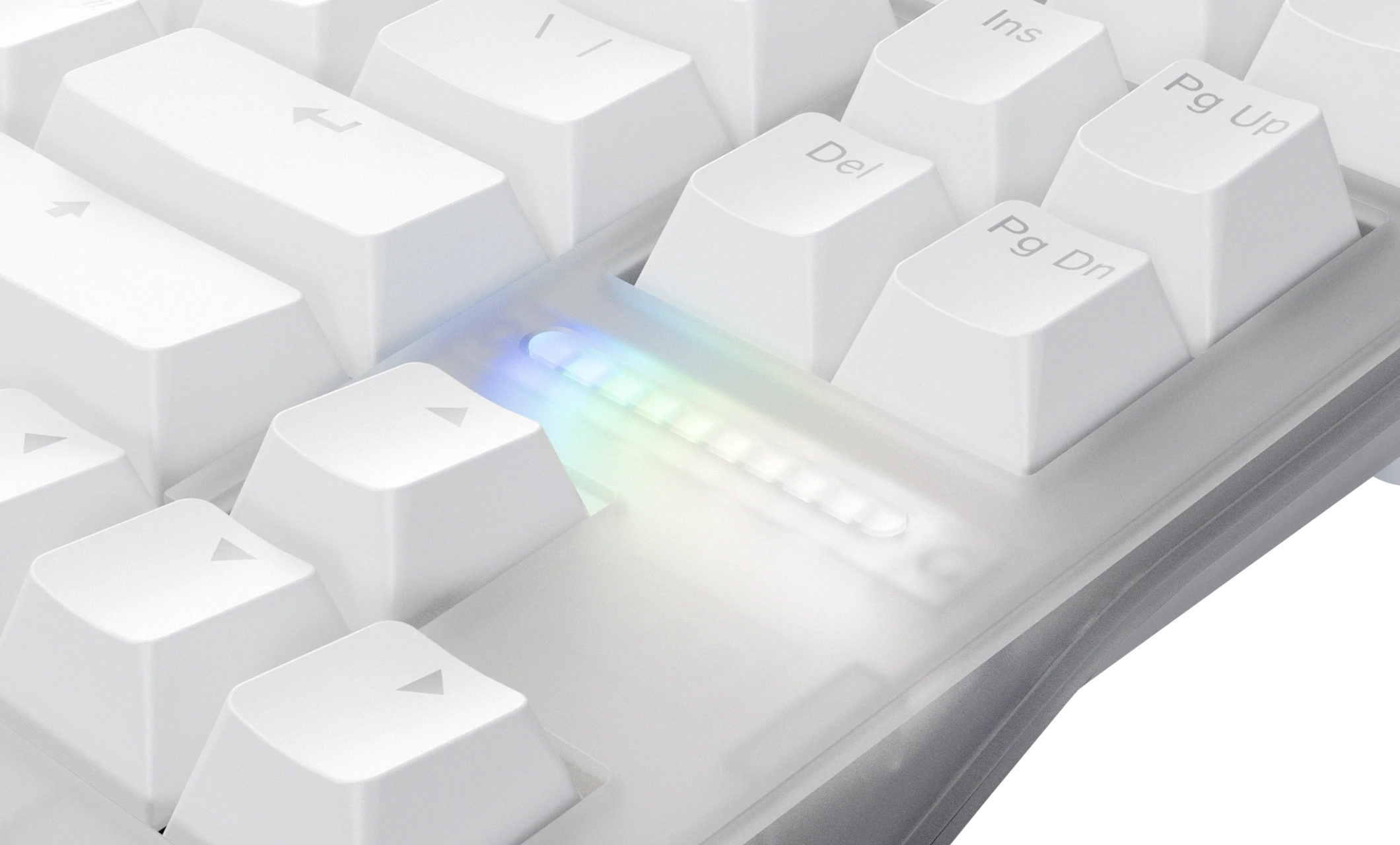
The LED bar can be used to display volume, update progress, and other real-time information. Or have it complement your keyboard’s RGB.
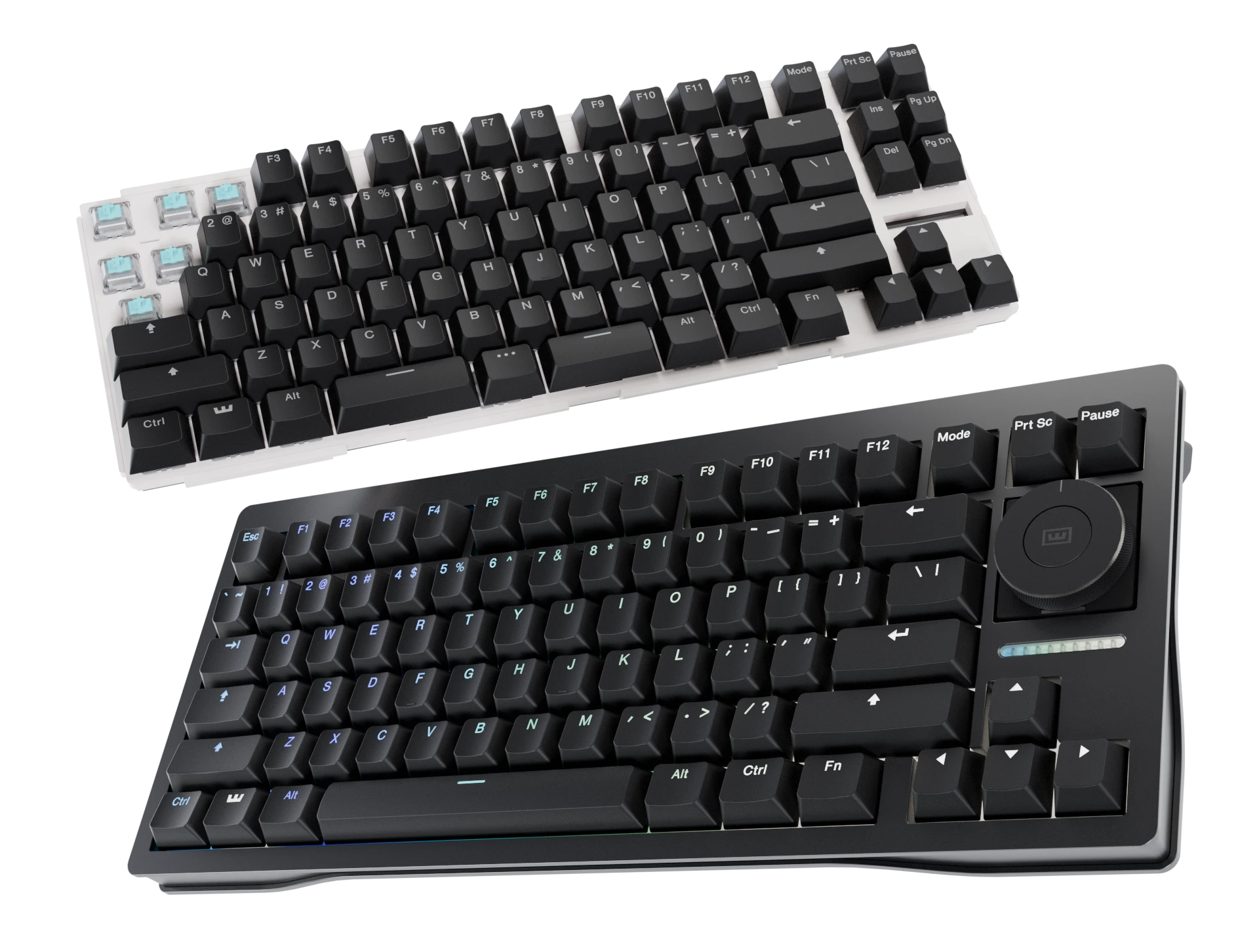
A closer look at what’s changed from the 80HE.
The latest generation of Lekker switches is more stable than ever and has a more muted sound straight out of the box thanks to its closed bottom.
The new FR4 plate provides a firm, consistent bottom-out with minimal bounce, without the metallic resonance of a steel plate.
Small changes throughout the keyboard, like a painter’s tape mod and a PET film layer, further refine the keyboard’s acoustics.
A new programmable knob for shortcuts, media controls, and keyboard functions. Included with Zinc prebuilt models and available separately for ABS models.
Swap the single spacebar for a three-key layout, adding an extra programmable key your left thumb can reach without leaving the WASD keys. Available exclusively with the 80HE+ Module.
The new ABS Dark case features a dark translucent top case, while the Zinc Alloy Black case has an improved coating that’s more resistant to wear.
Six things every Wooting delivers.
Fast, consistent input speed

Full range of analog features

Easy setup, deep control

Your keyboard keeps getting better

4-year warranty (2 on LEDs)

We’re there when you need us
More professional players use Wooting than any other keyboard brand, according to ProSettings.net.
of tracked pros use Wooting
288 of 687 tracked pros
of tracked pros use Wooting
362 of 935 tracked pros
of tracked pros use Wooting
104 of 338 tracked pros
Based on ProSettings public data as of September 2026.
Get a ready-to-use keyboard, or build one that’s uniquely yours.
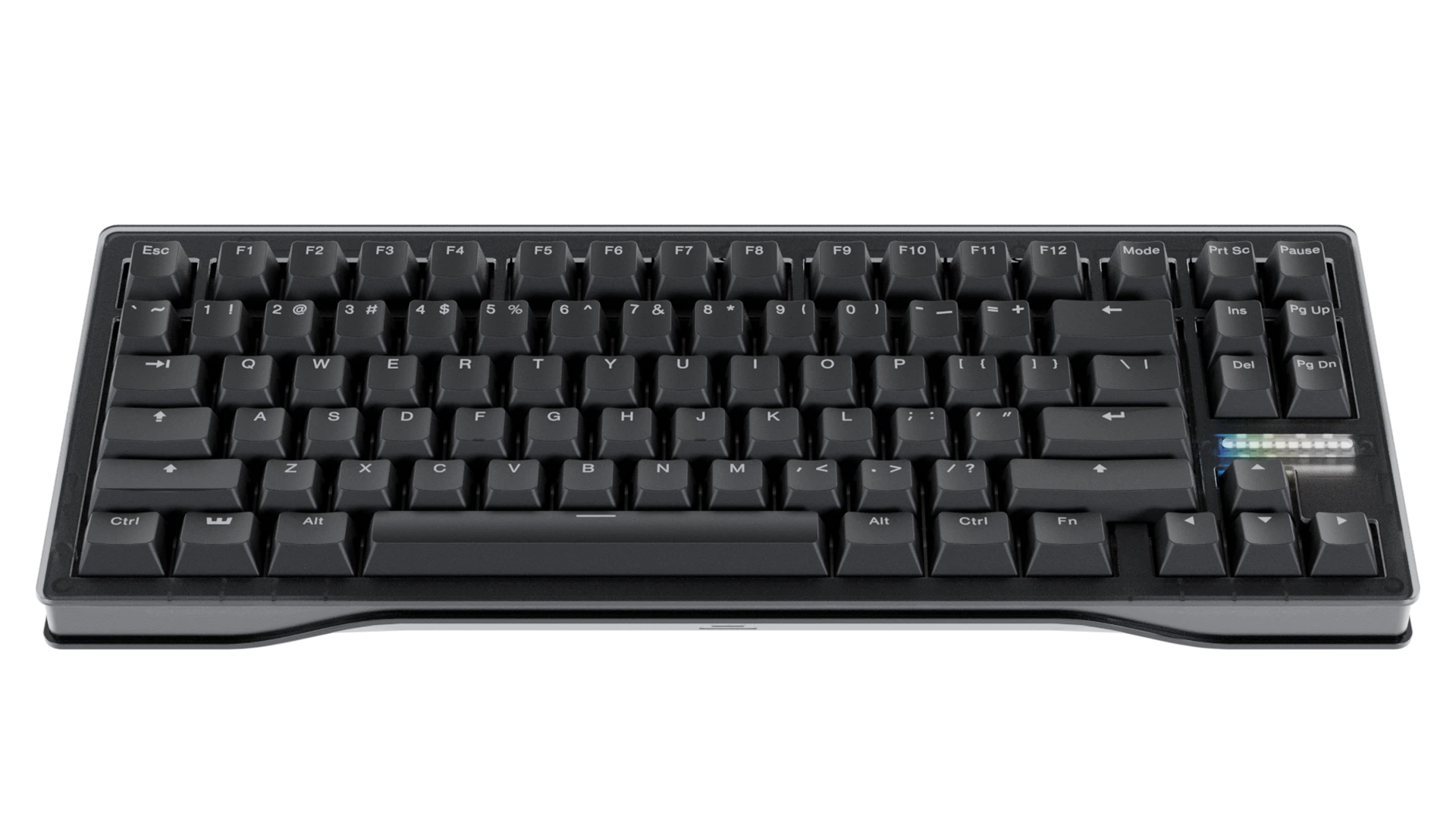
Assembled and ready to go.
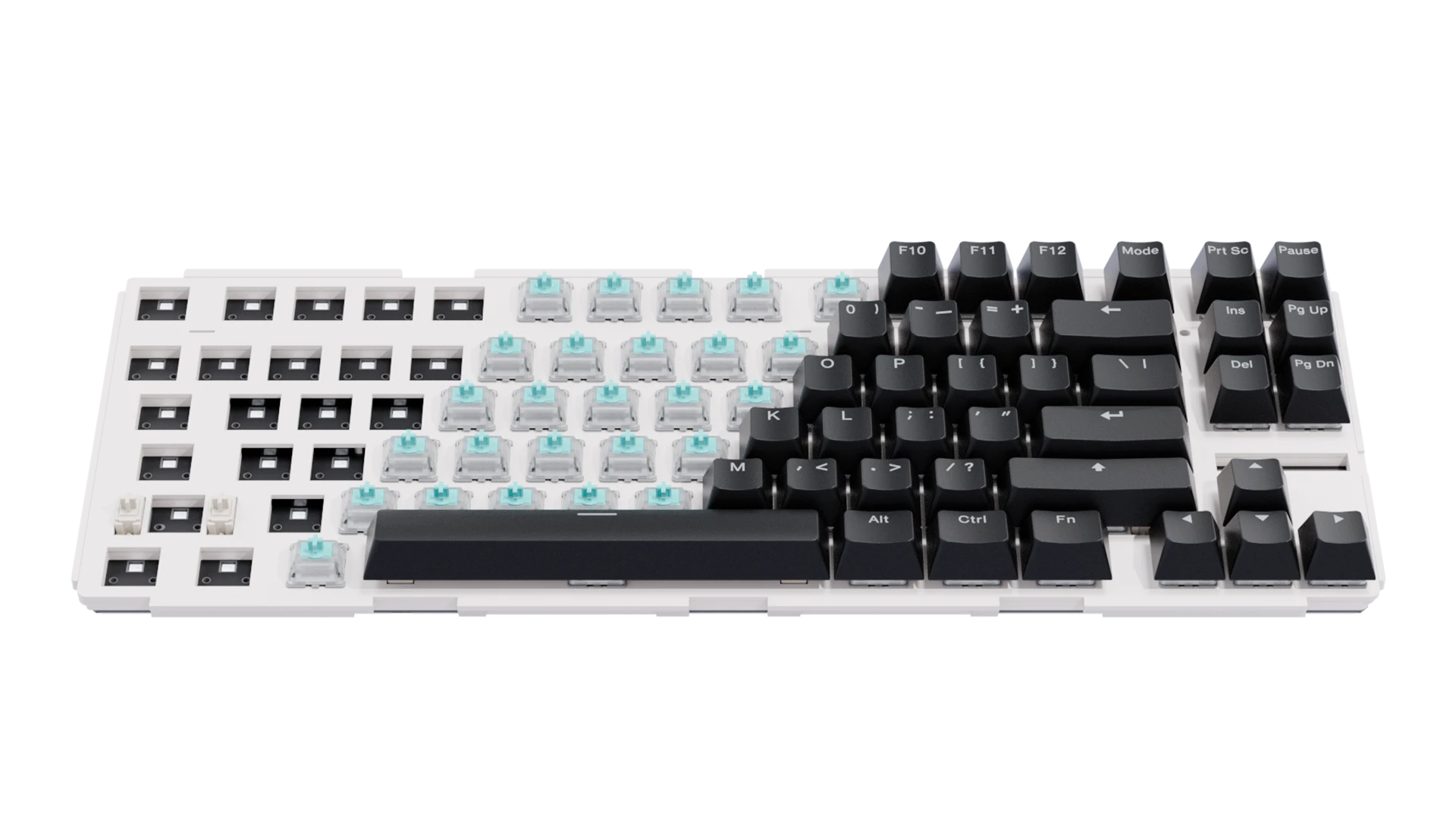
Start with our Module, add anything.
A closer look at what changes the feel and sound.
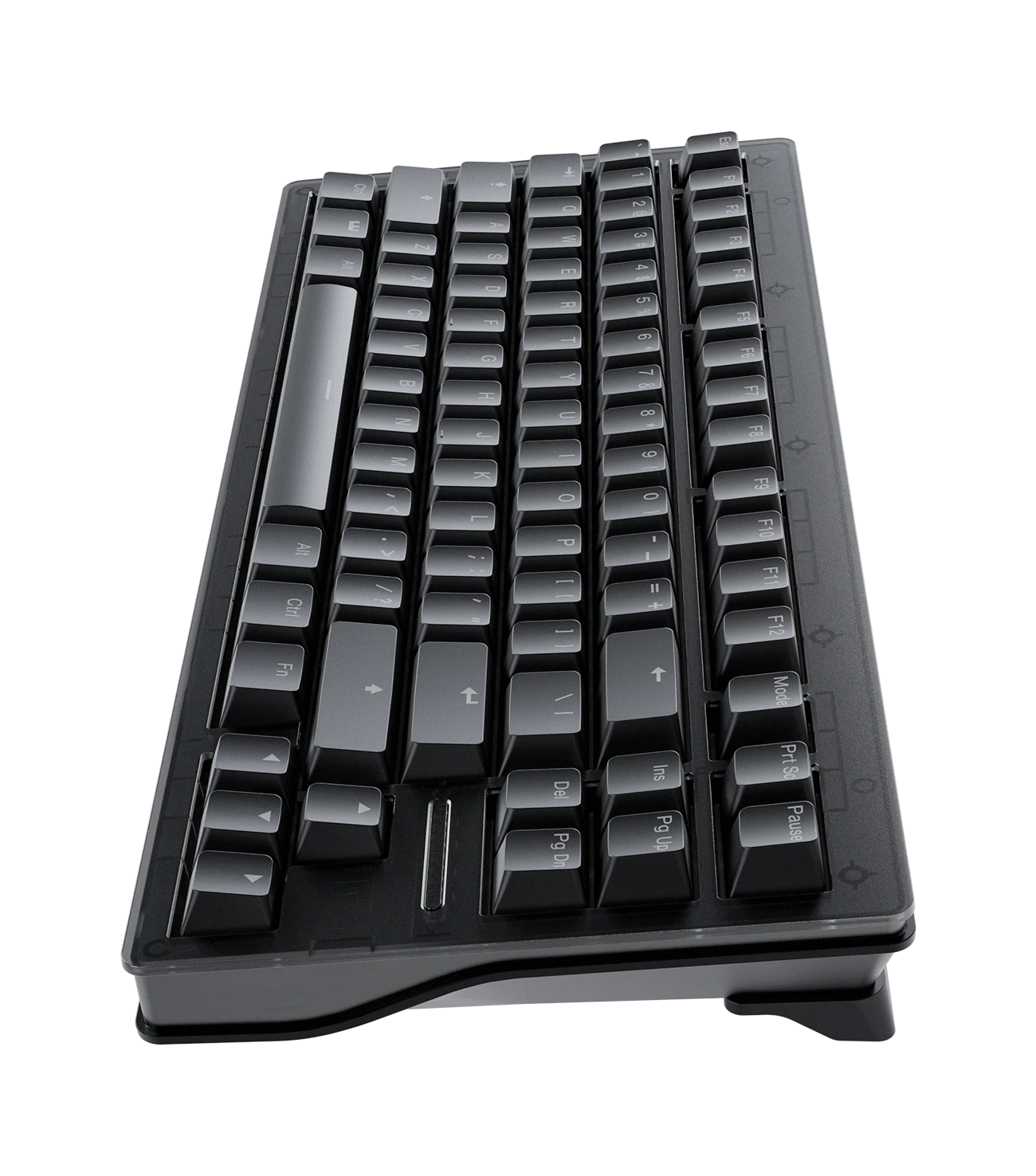
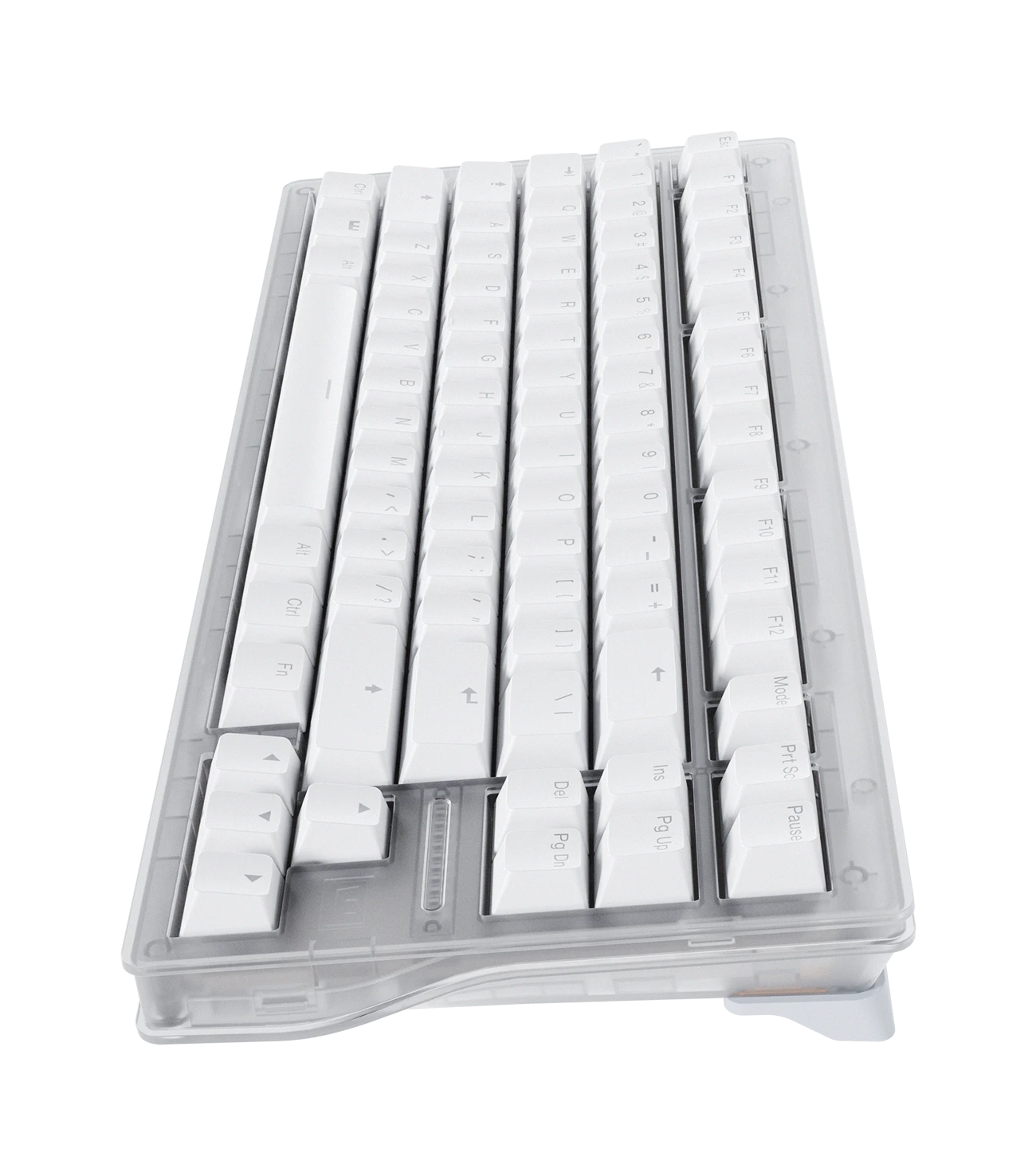
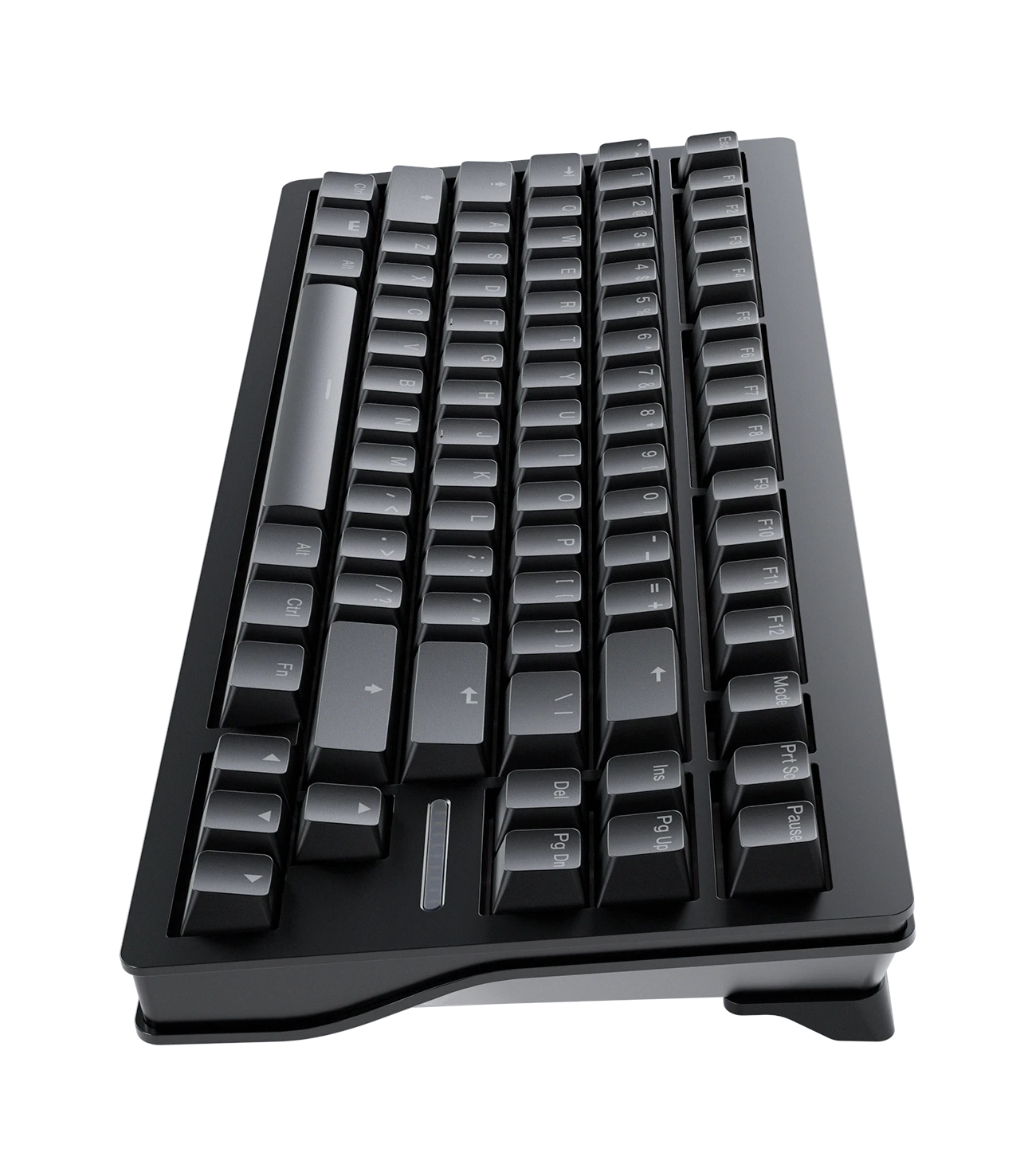
Choose the material and colour.
Lightweight, easy to move. Deeper sound.
Heavy, sturdy. Brighter sound.
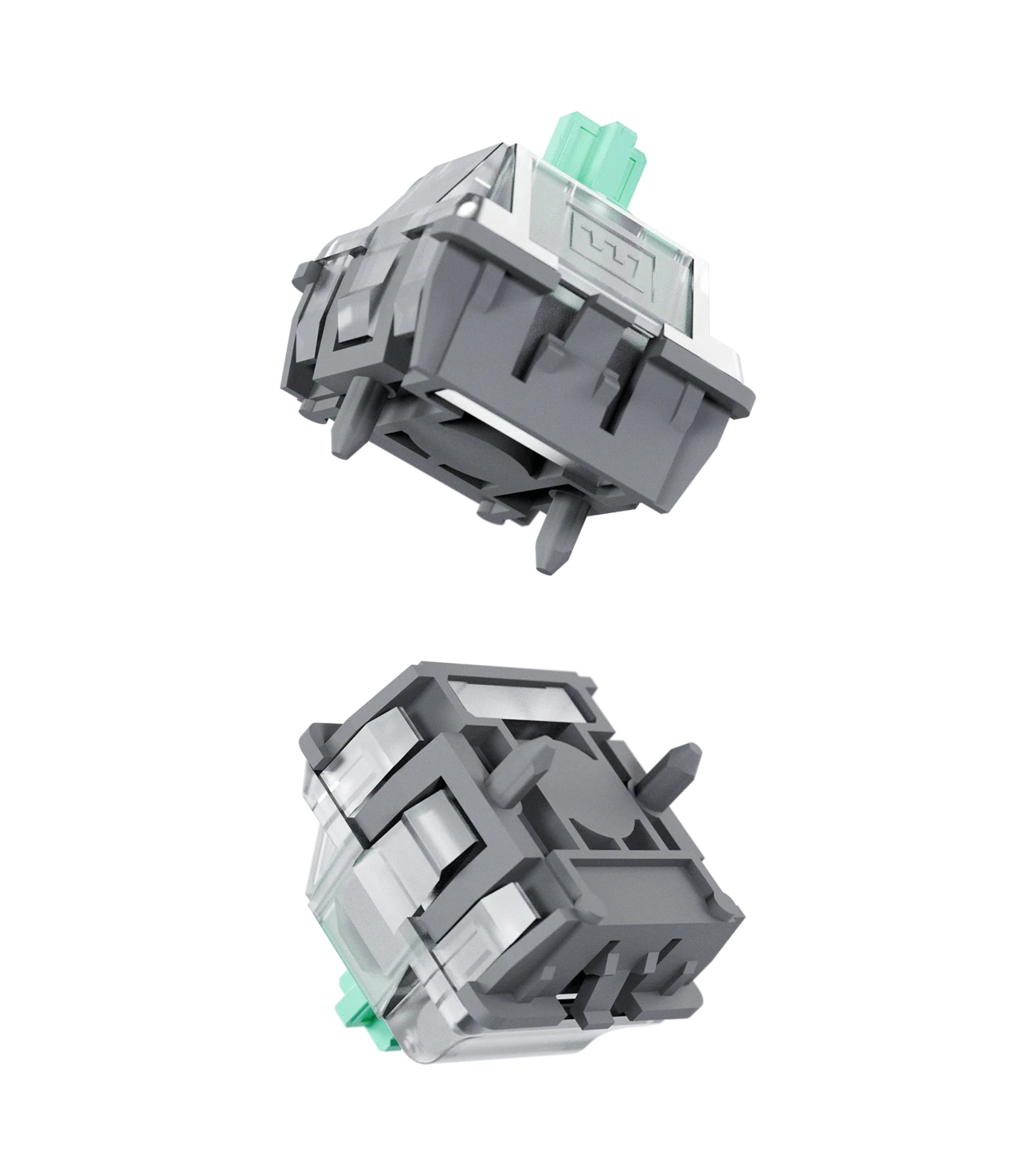
The Lekker Tikken Medium switch delivers a stable key feel with a deep, slightly muted sound profile. A long spring increases the initial force to help reduce accidental keypresses, while the full 4 mm travel preserves precise Hall Effect input.
The Lekker Tikken switch was designed as a slightly muted, deeper-sounding alternative to current HE switches, offering a closed-bottom build while still preserving the full 4 mm travel for precision based games.
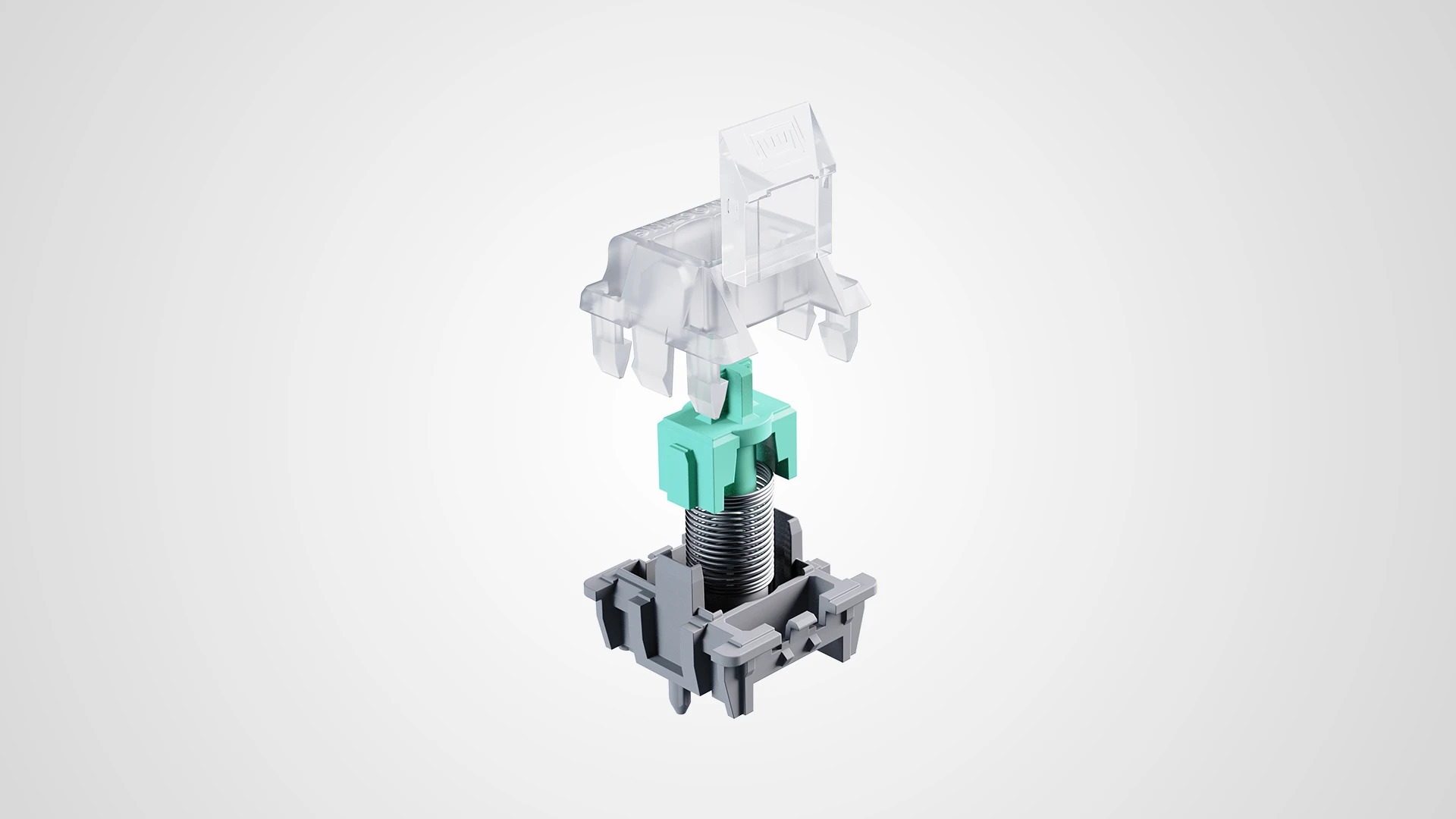
Closed-bottom housing reduces chatter and delivers a cleaner, more solid bottom-out sound.
Tight tolerances provide a highly stable key press throughout a full 4 mm travel range.
Custom material blends create a lower-pitched, more muted sound than most other Hall Effect switches.
A long 22 mm spring raises the initial actuation force to prevent accidental inputs, while keeping the bottom-out force slightly lighter.
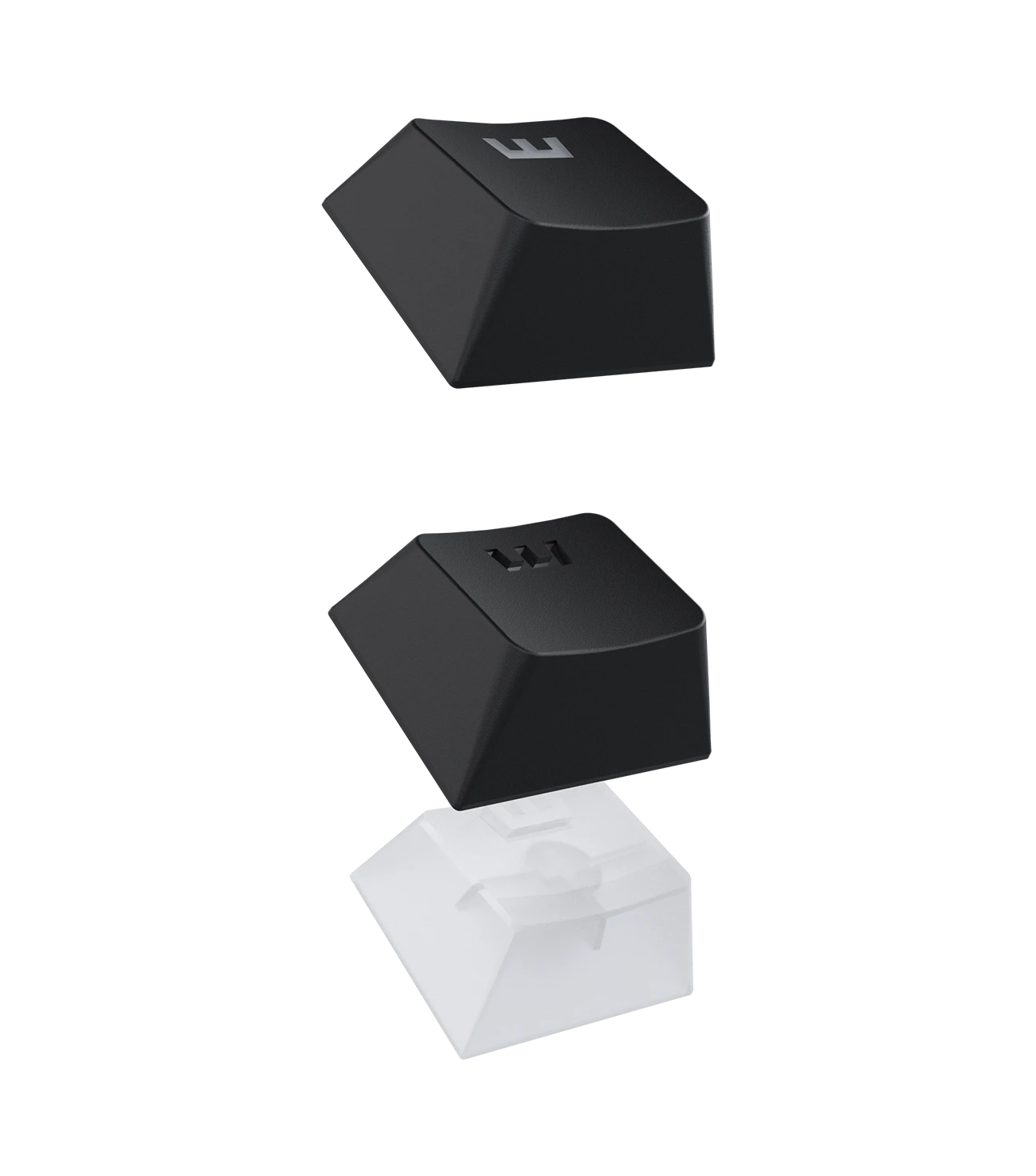
Thick doubleshot PBT keycaps keep their texture, resist shine, and won’t fade over time. The familiar OEM profile and seamless backlit legends illuminate each key with the RGB lighting of your choice.
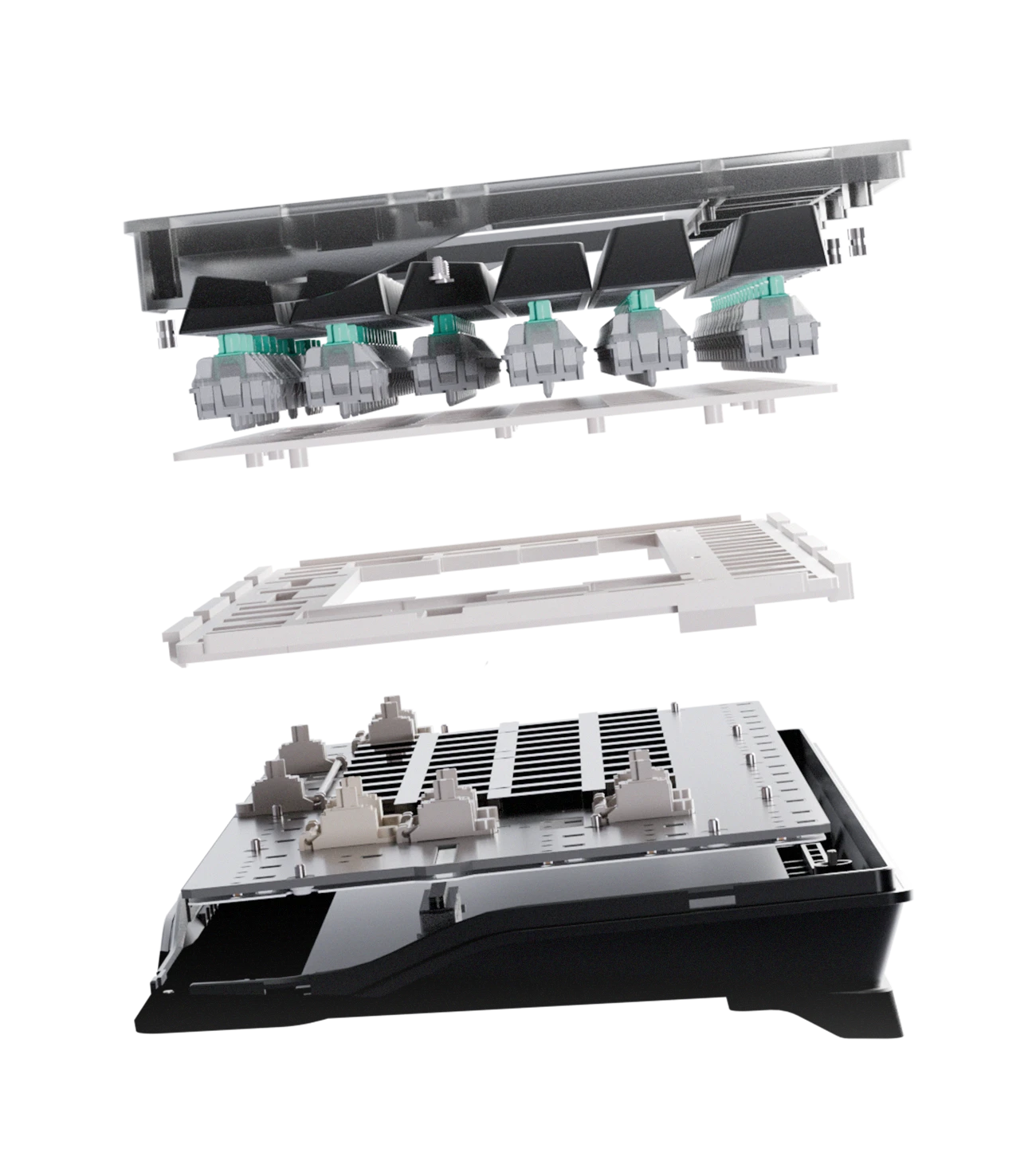
The PCBA and switch plate are held together by a silicone gasket. This absorbs impact, resulting in less noise and a softer typing feel.
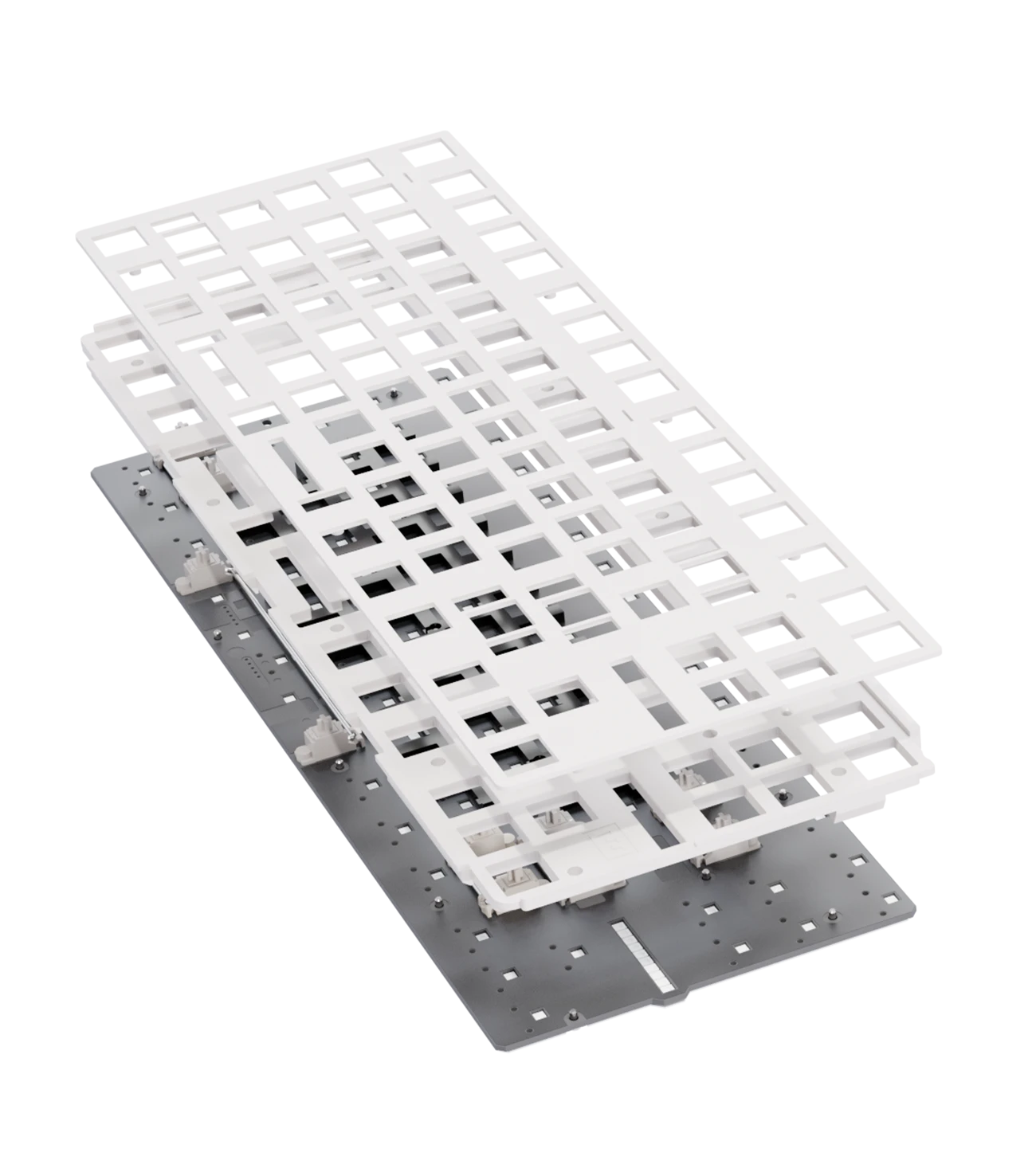
The FR4 plate provides a solid bottom-out, while its acoustic properties keep the sound soft and controlled, rather than harsh or metallic.
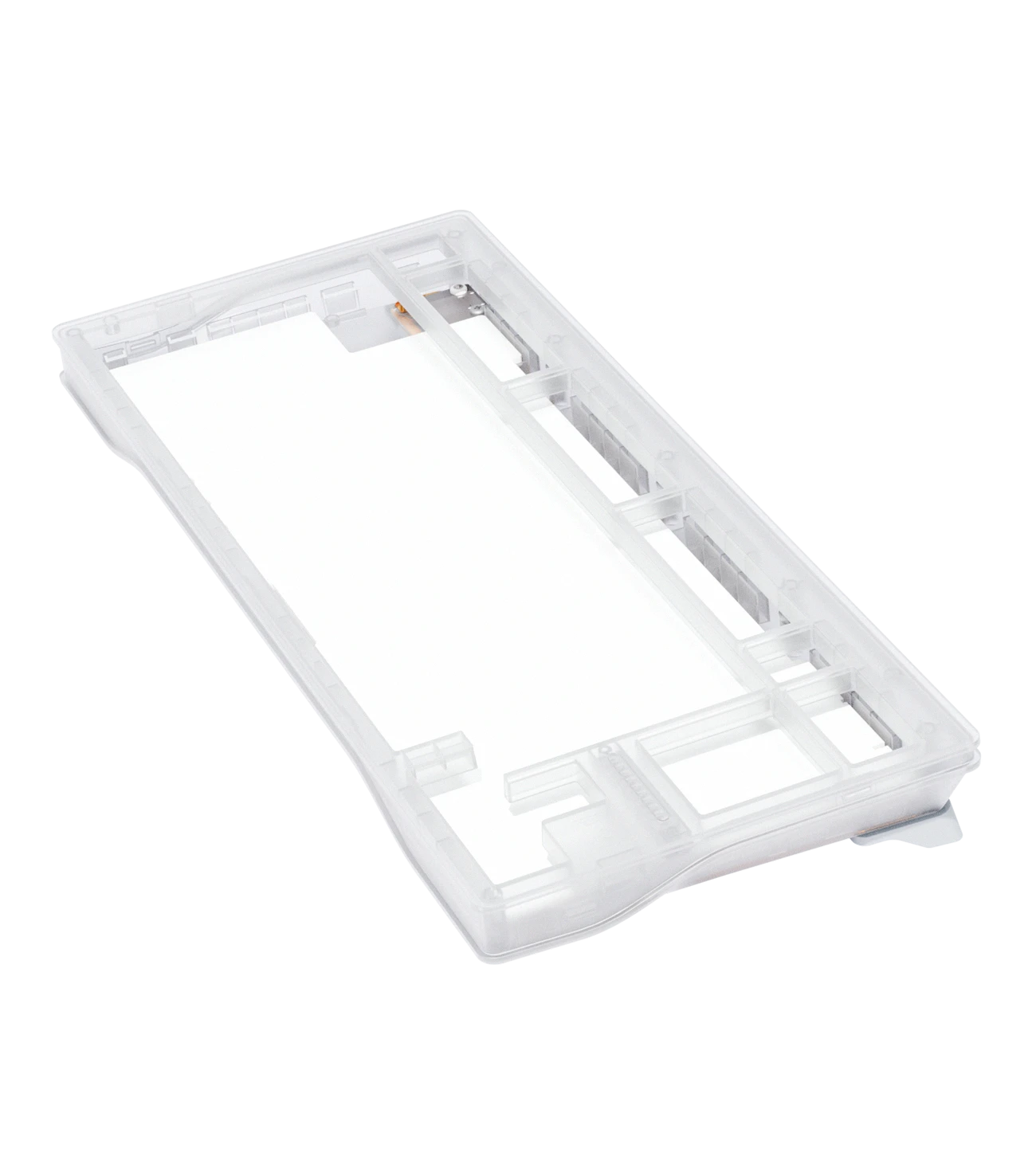
We added multiple layers inside the case to refine the sound. Bottom case dampening foam, a painter’s tape mod and PET film help shape the overall sound profile.
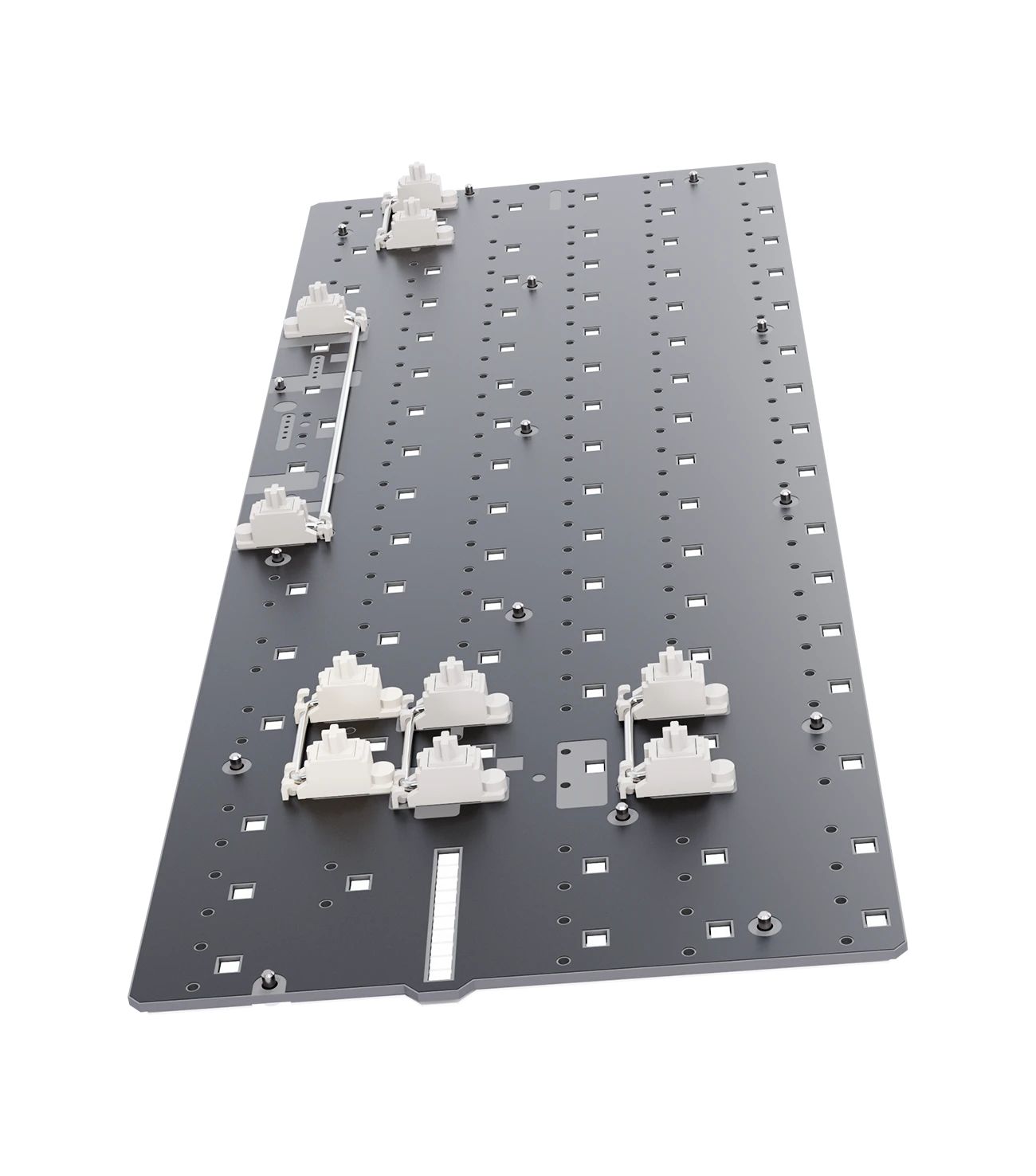
Screw-in stabilisers keep larger keys like spacebar, shift, and enter feeling consistent and reduce rattle. Less wobble. Less rattle. Cleaner presses.
Also replaceable with most 3rd party screw-in and clip-in stabilisers.


Three sets of interchangeable silicone feet let you adjust the keyboard angle to what feels most comfortable for you. Dark versions come with black feet, the ABS Frost version includes gray feet.
Watch the video to hear how the 80HE+ sounds.
Good software shouldn’t get in your way. Wootility makes it easy to get started with presets and profiles, while giving you complete control when you’re ready.

Use Wootility in your browser or install the desktop app.
Save your settings directly to the keyboard. No need to keep Wootility open.
Start with premade profiles and advanced key presets.

Store up to four profiles directly on your keyboard and switch between them anytime. No need to open Wootility.
Assign profiles to your favorite games and apps. Wootility automatically activates the right profile when they’re in focus.

Set the color of every individual key.
Pick from a wide range of effects and customize how they look and behave.
Adjust the LED bar separately to match your keyboard’s lighting.

Customize features for individual keys instead of applying the same settings to your entire keyboard.
Set the actuation point of each key from 0.1 to 4.0 mm in precise 0.1 mm increments.
Fine-tune press and release sensitivity independently, enable Continuous Rapid Trigger, and configure every key individually.

Select your switches and spacers. Wootility calibrates your keyboard to keep key detection accurate and consistent.
Wootility supports over 70 different switches, including colour variations.
Don’t see your favourite switch? Request it! We add the top voted switches regularly.
True 8kHz polling, with scanning locked in perfect sync. The result: 0.125ms input speed, on every key.
True 8kHz polling, with scanning locked in perfect sync. The result: 0.125ms input speed, on every key.
Our software isn’t just about tuning your settings. It also ensures every keypress is detected accurately.
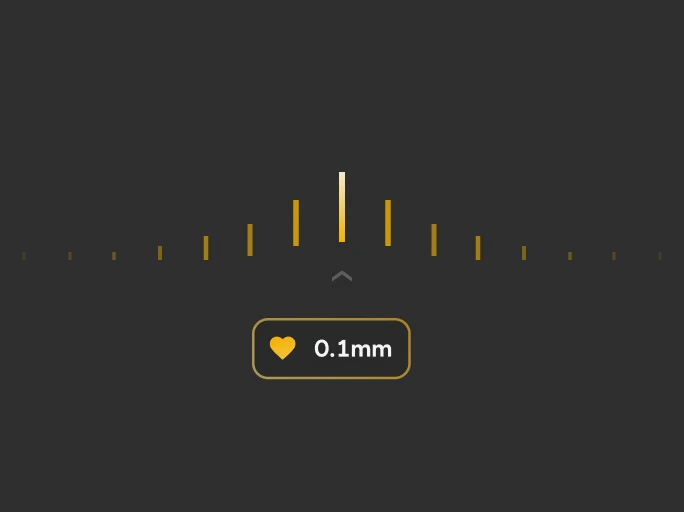
The difference between meaningful precision and headline specs.
You want a sensitive keypress for fast and accurate inputs, but too sensitive means accidental inputs, uncontrollable movements and less consistency.
Specs like 0.01 mm sound great on paper, until you realise that’s 7 times thinner than a human hair. Not only is that physically uncontrollable, but your keyboard’s latency also increases.
Your keyboard relies on software to filter what is a ‘real’ input vs a ‘false or accidental’ input. The lower your minimum sensitivity, the more filtering you require and the more latency gets added in actual use.
We picked 0.1 mm as a minimum that’s still very sensitive and controllable, without becoming a pointless marketing number.
For comparison, most Valorant pros use a sensitivity between 0.3 mm and 0.7 mm for their WASD keys.
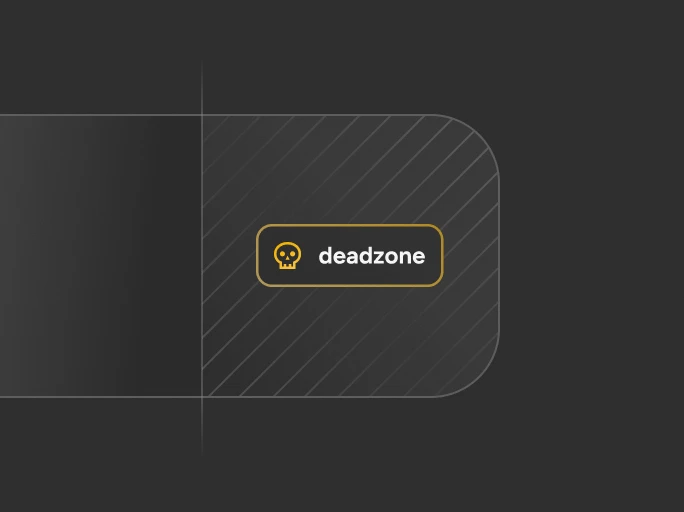
Finding the sweet spot between stability and responsiveness.
Deadzone is the small range at the top and bottom of a keypress that doesn’t register any input.
Too little and the natural wobble of your switch triggers accidental inputs. Too much and your keypresses feel less sensitive than you’d want.
We treat deadzone as a dynamic setting. Some switches are more flexible, some are stiffer. Our auto calibration records your keypress stability over time and automatically sets your deadzone to the smallest stable distance our firmware can determine.
No extra adjustments, it just works.
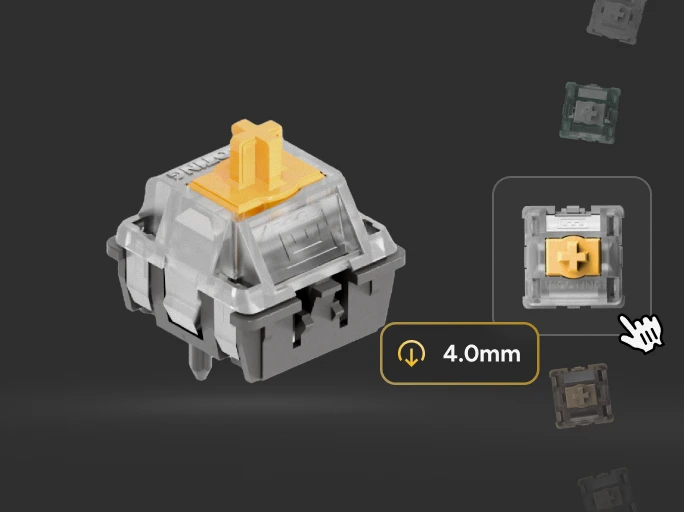
Keeping key detection accurate across different switches.
Every switch is different. Magnet size, placement, and switch stability can all impact how accurately your keyboard reads your input.
Your keyboard can measure the top and bottom magnetic readings, but that alone leaves out crucial information needed to get the best performance from your switch.
Our switch selector gives your keyboard extra information about your specific switch setup, allowing us to improve accuracy and precision beyond what auto calibration can do alone.
We take custom measurements for every switch we support, so your calibration works faster and your performance is dialled in right from the start.
Find out how Wooting gives you a competitive edge in your games.

Clean movement and precise timing are critical to accuracy.
Read our Valorant game guide
Read our Valorant game guide
Rounds are decided by timing, movement, and efficient keybinds.
Read our CS2 game guide
Read our CS2 game guide

Gunfights are won by fast movement and efficient mid-fight inputs.

Ability combos and input speed directly affect execution.

High-speed maps demand accuracy and comfort over long sessions.

Precision timing wins runs.
Instead of treating every key-press as simply on or off, your keyboard tracks the entire movement, unlocking faster input, finer control, and a growing range of gaming features.
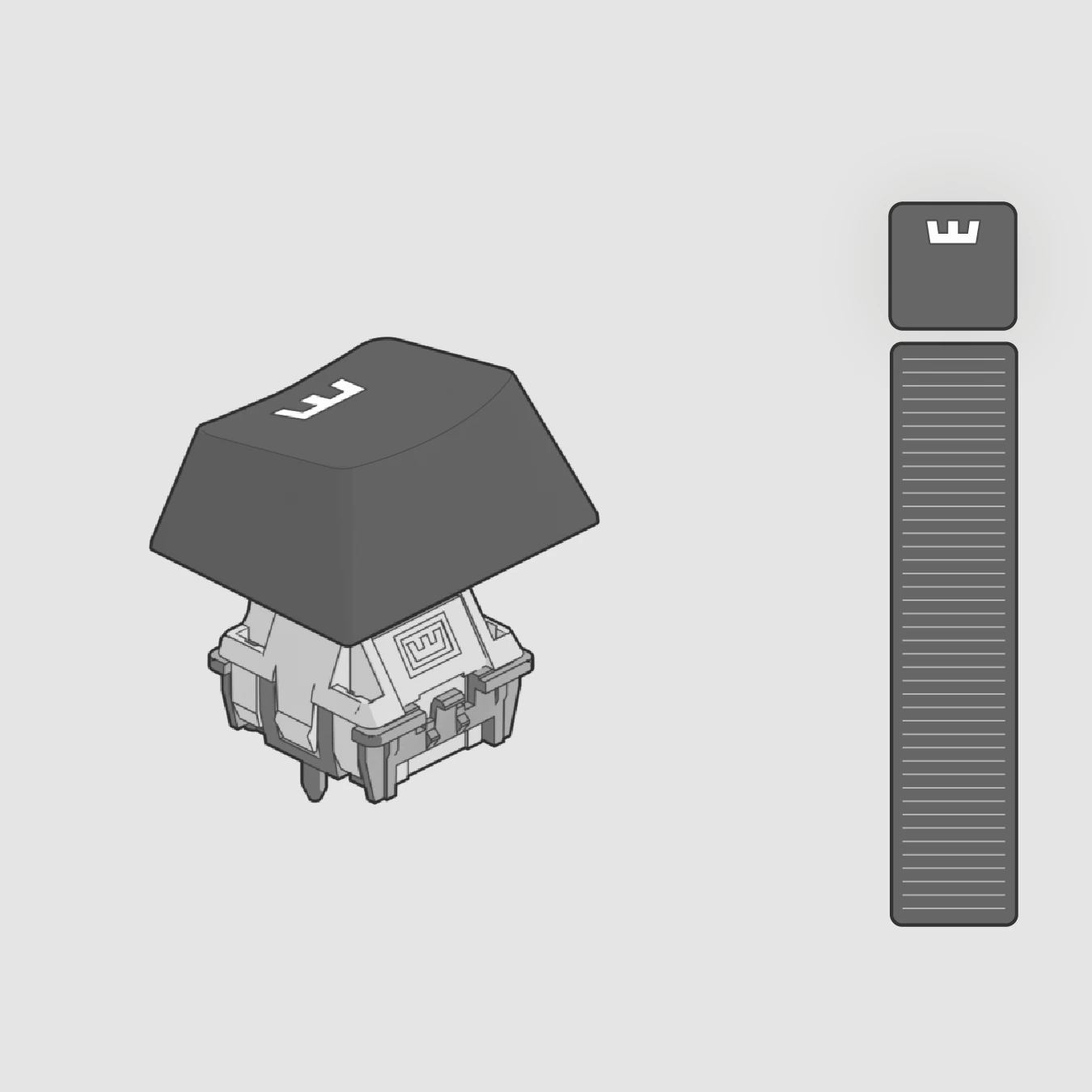
The feature Wooting pioneered that changed the peripheral landscape. It resets and activates keys the instant you move, for faster, more responsive input.
Fine-tune each key's actuation point with 0.1mm precision. Your keys respond at the exact depth you want them to.
A quick tour of the other features Wootility unlocks
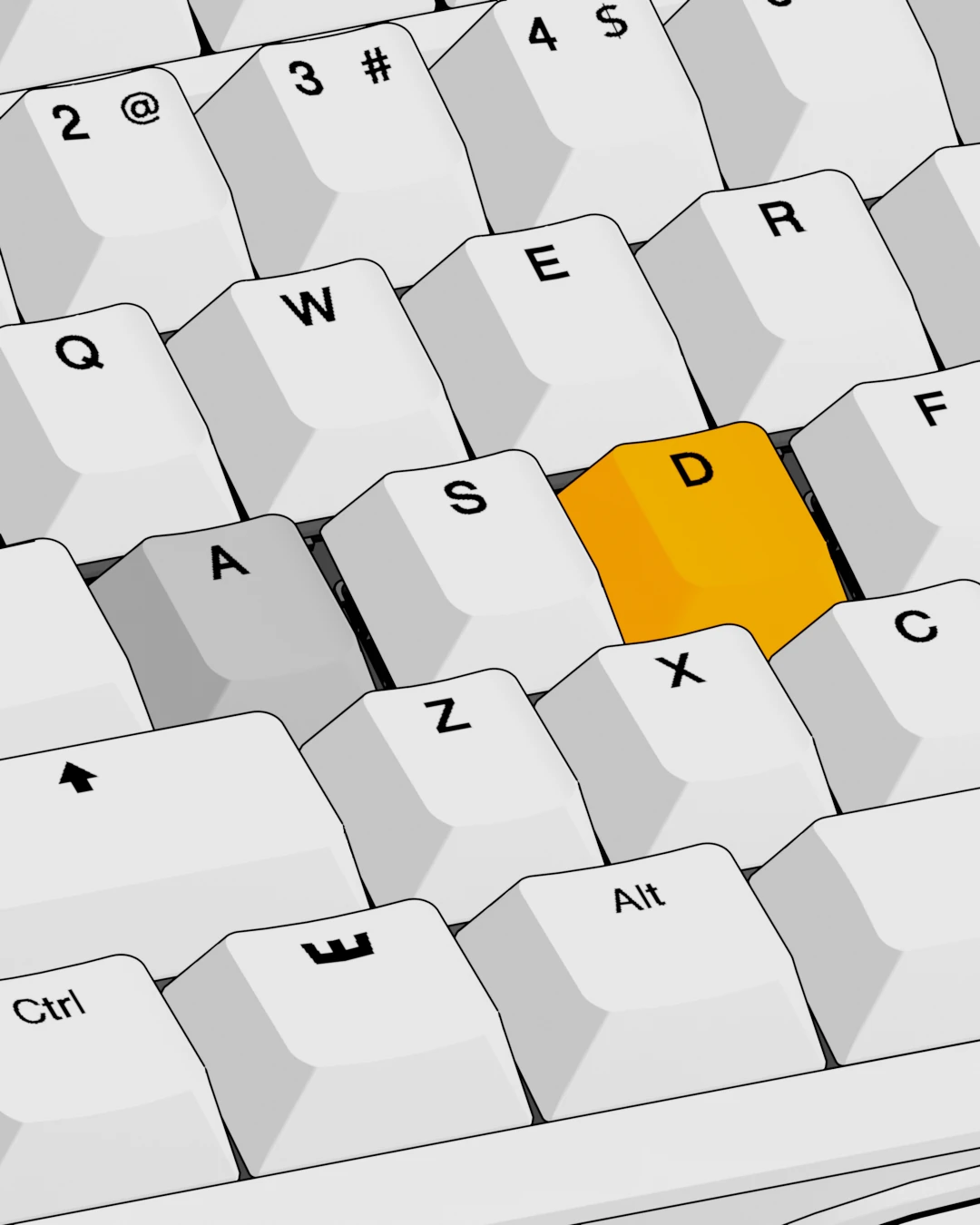
Decide what happens when opposite keys are pressed.
Rappy Snappy & Snappy Tappy
Rappy Snappy and Snappy Tappy help you make cleaner directional inputs by ensuring only one of two selected keys is active at a time. They’re perfect for opposite movement keys like A and D in FPS games, letting you change directions without unwanted overlap.
Rappy Snappy continuously compares the analog input of two selected keys and keeps only the one pressed deepest active. The only way to activate both keys at once is to bottom out both.
Snappy Tappy takes a different approach. Instead of using analog input depth, it lets you choose how the active key is determined. You can prioritize the last key pressed, always prioritize one specific key, or register neither key when both are pressed.
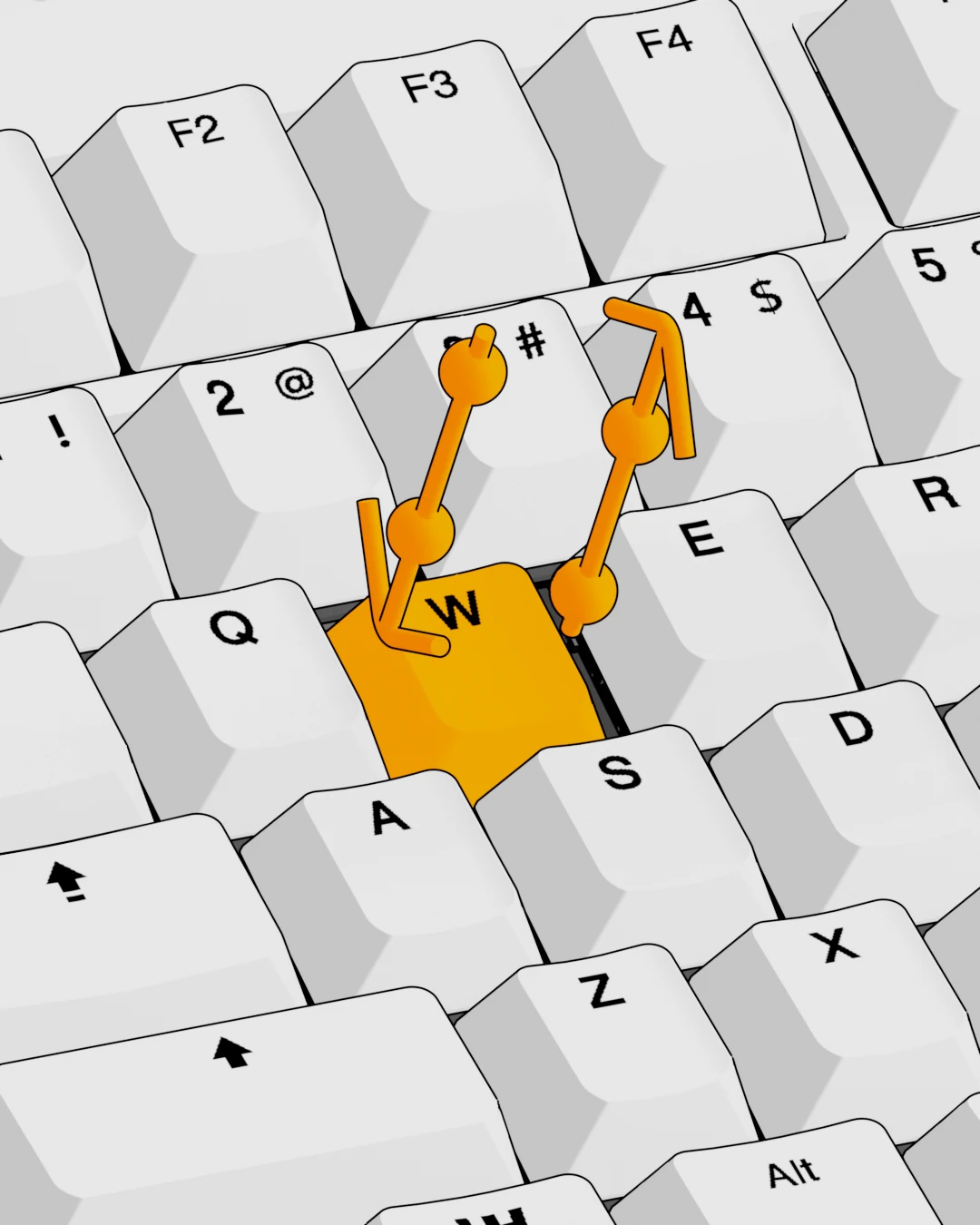
Map multiple actions to a single key. Assign different inputs to a half-press, full press, half release, and full release.
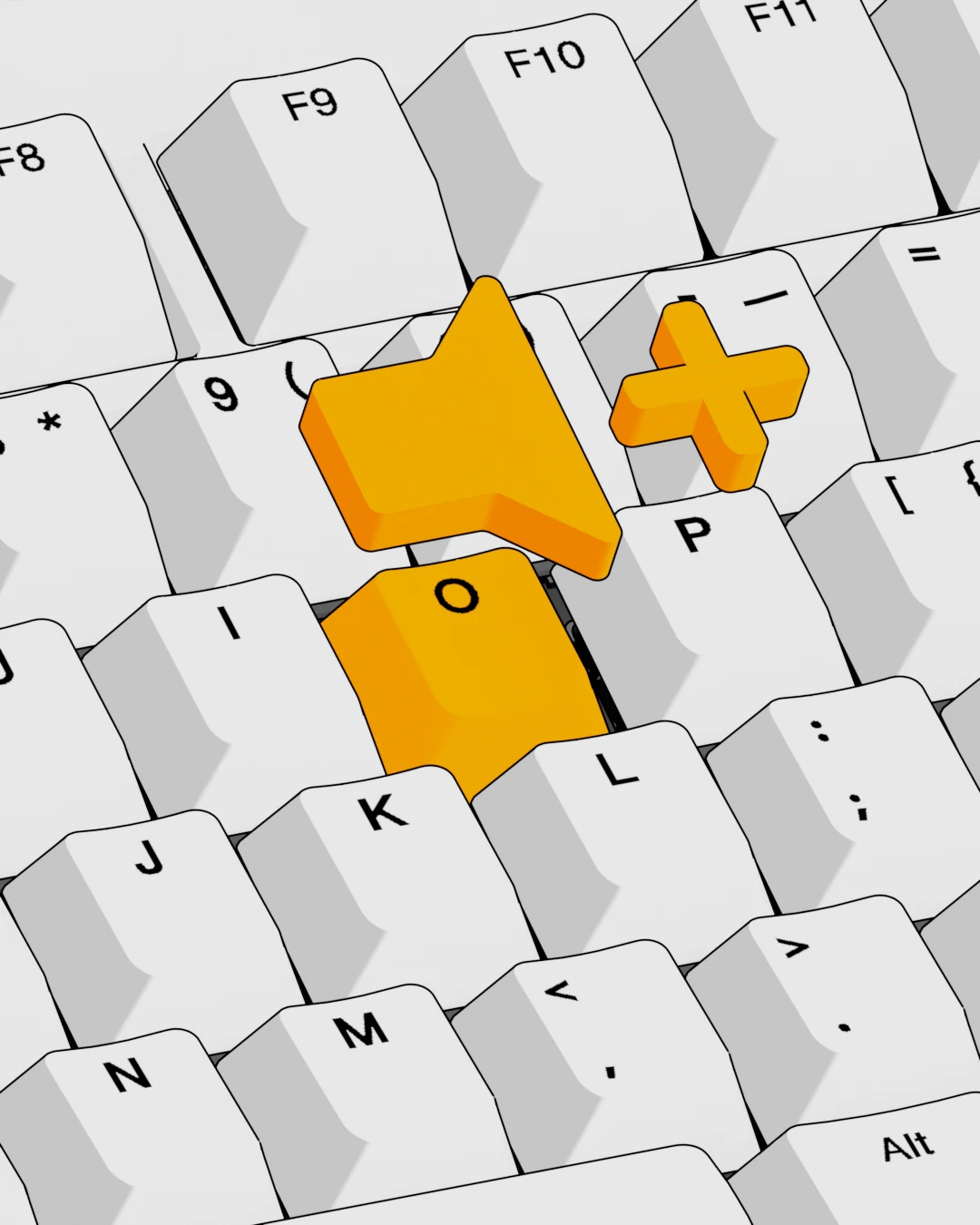
Remap any key, knob, button or function layer input to match your preferred layout.
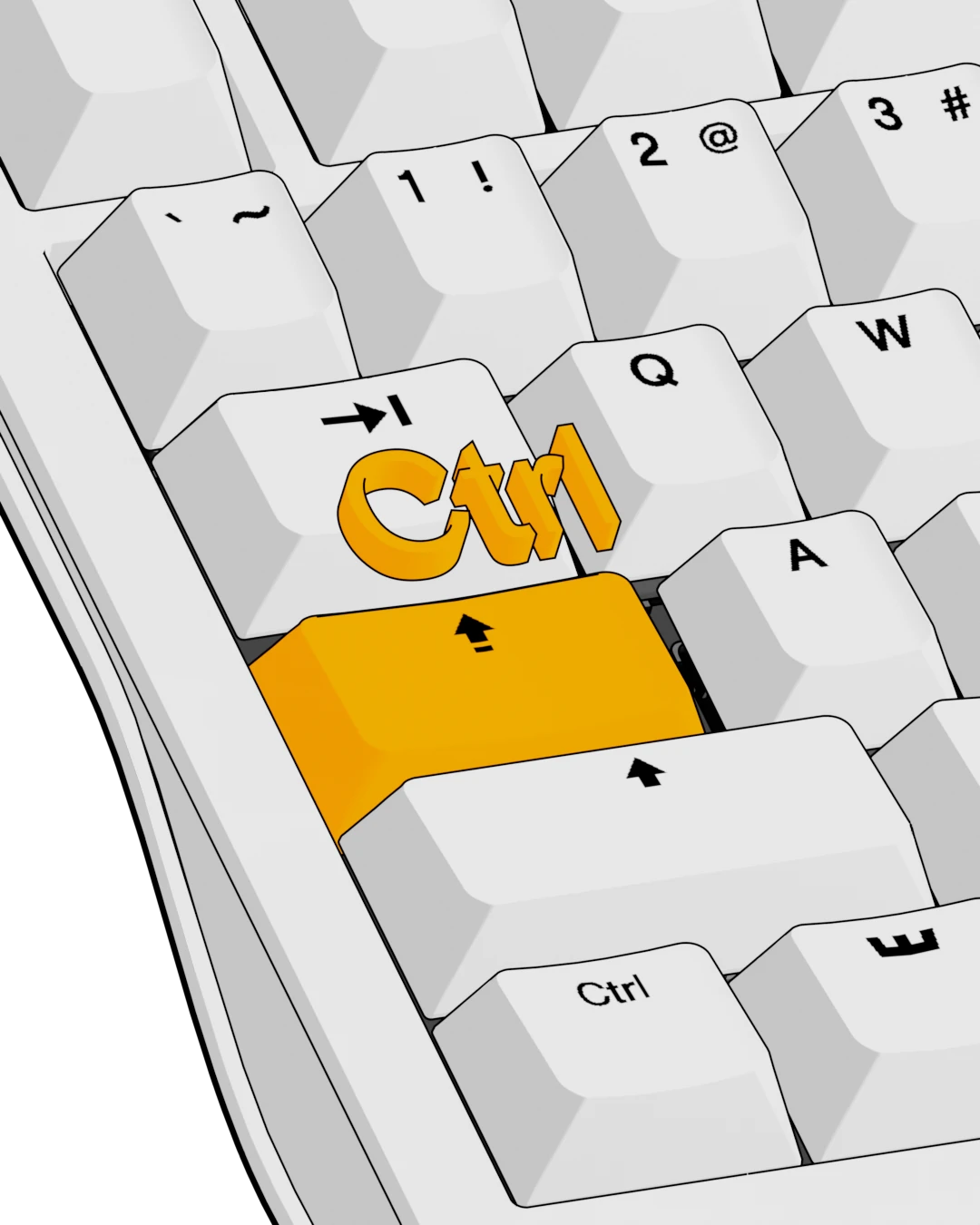
Add a secondary action to any key: tap for Action A, or hold for Action B.
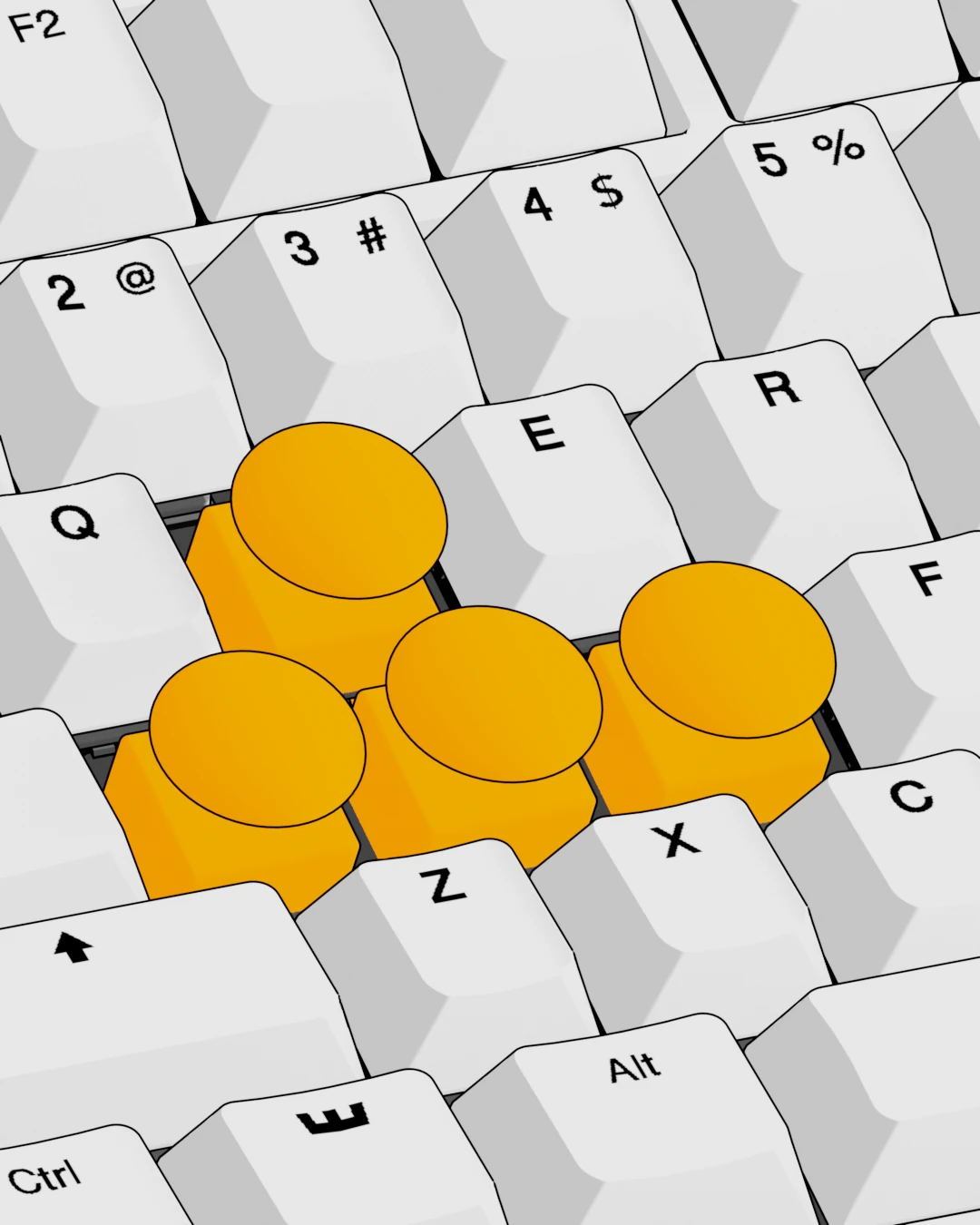
Activate analog movement for variable input. Feather the throttle, control your speed, play the way you want.
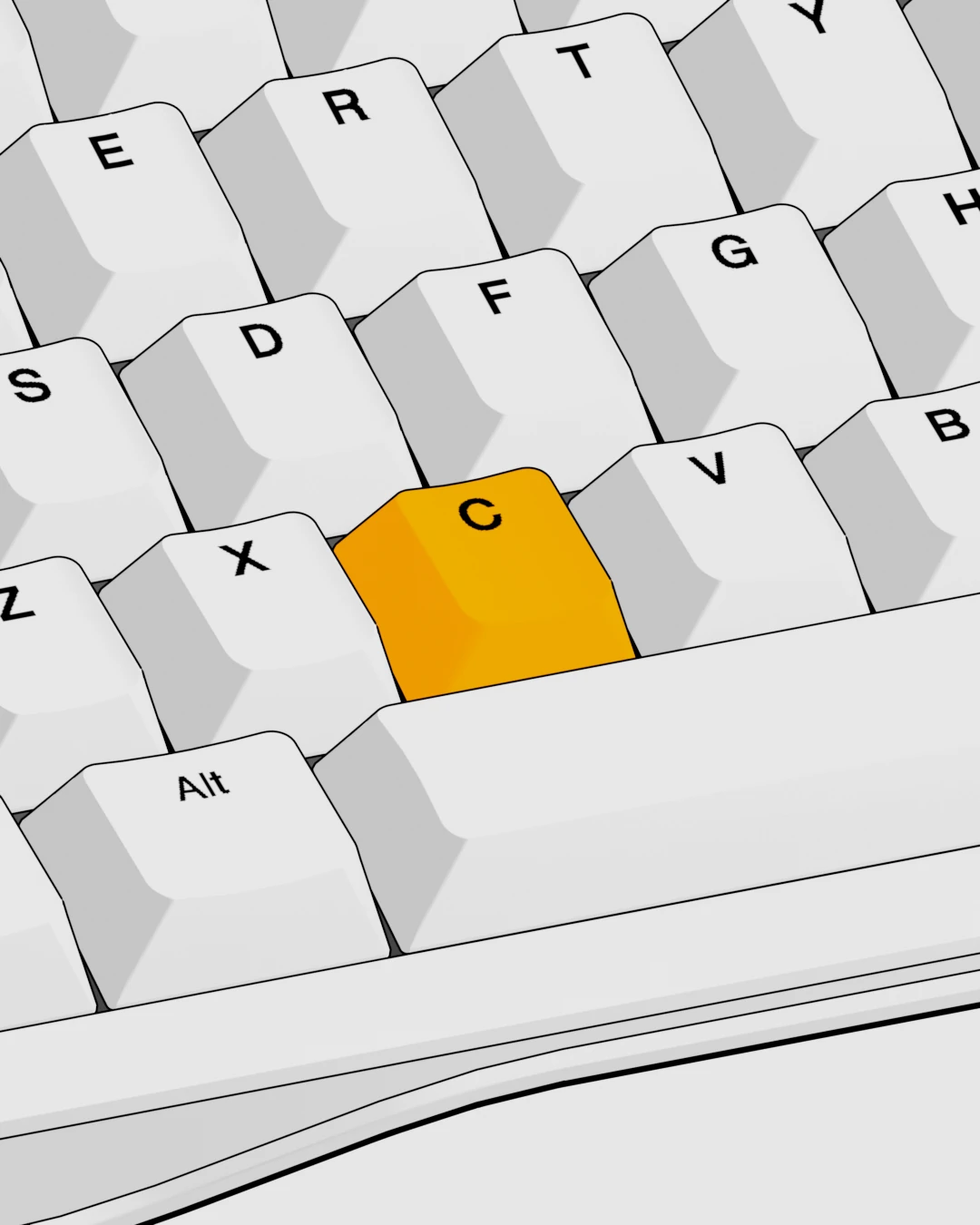
Tap to toggle any action on or off, hold for normal input. Perfect for toggling crouch in-game.
In a world full of touchscreens, be a knob.

Turn it, press it, or press while turning. The press itself can change based on the knob’s position.
Assign any media controls, keyboard functions, or shortcuts. Then stack them across turn, press, and position
Compatible with every Wooting keyboard featuring an aligned 2×2 cluster. Just pop it in and give it a spin.
From minimalist setups to bold custom builds, get inspired by the community.
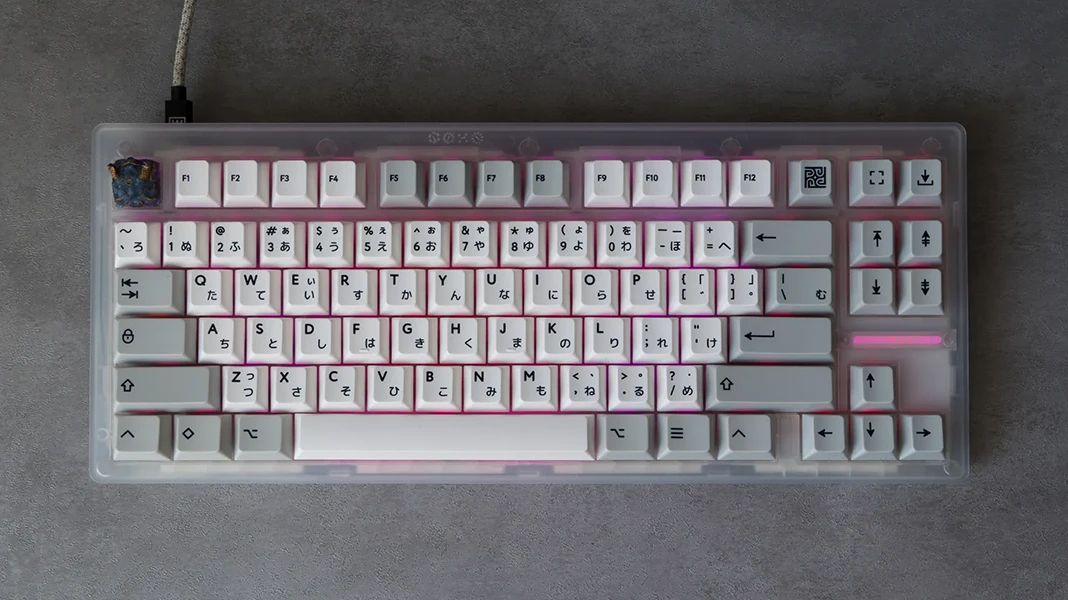
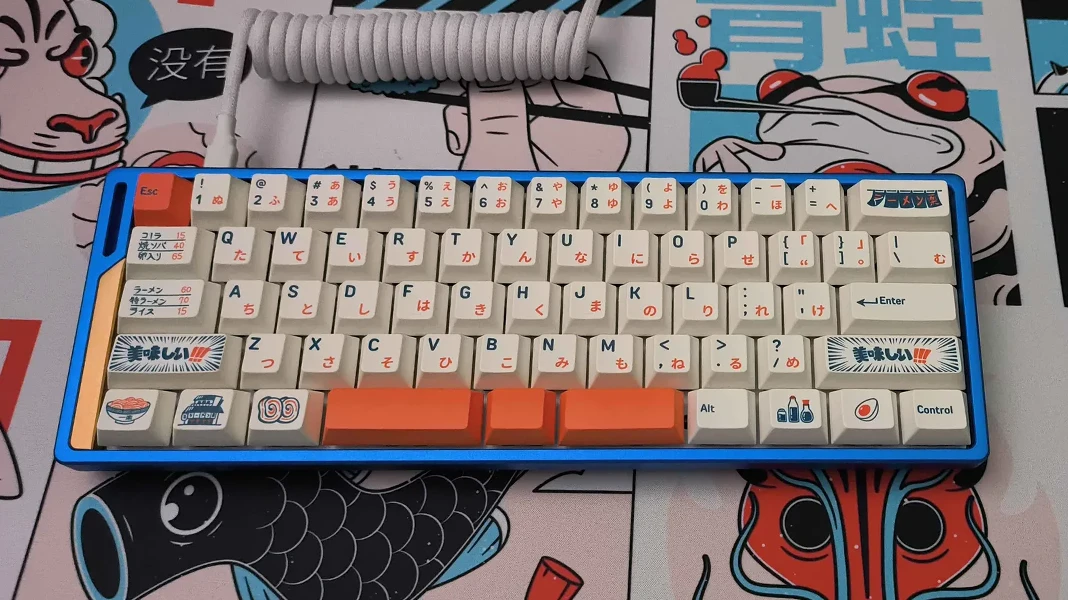
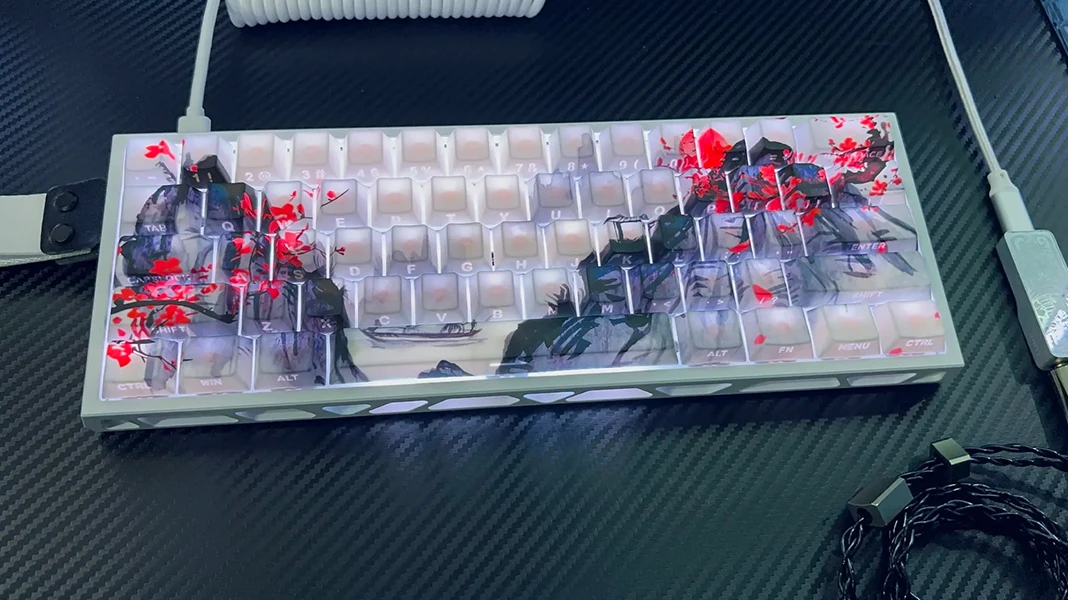
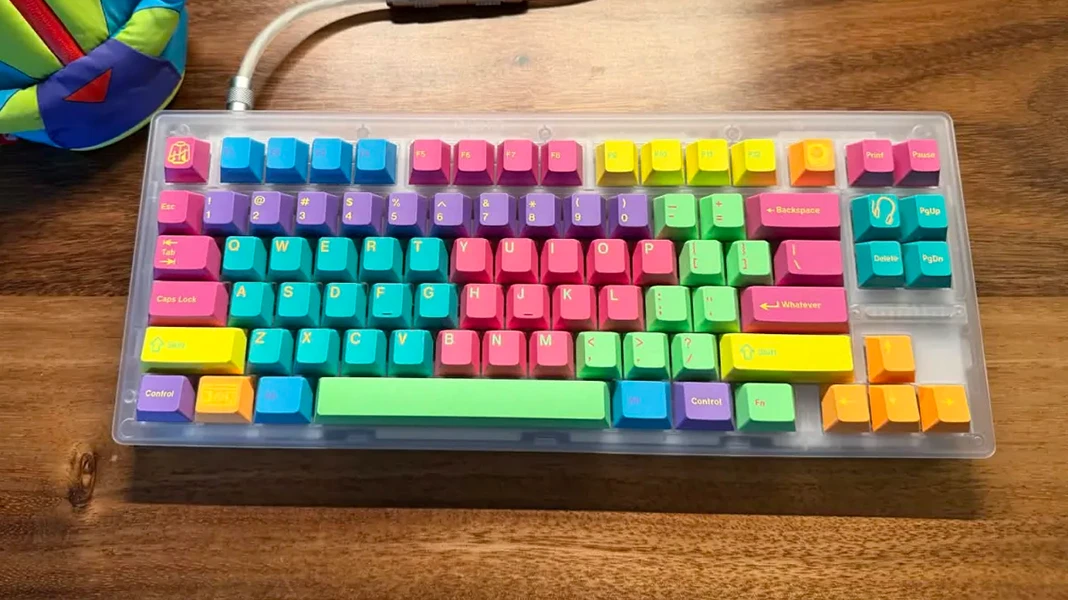
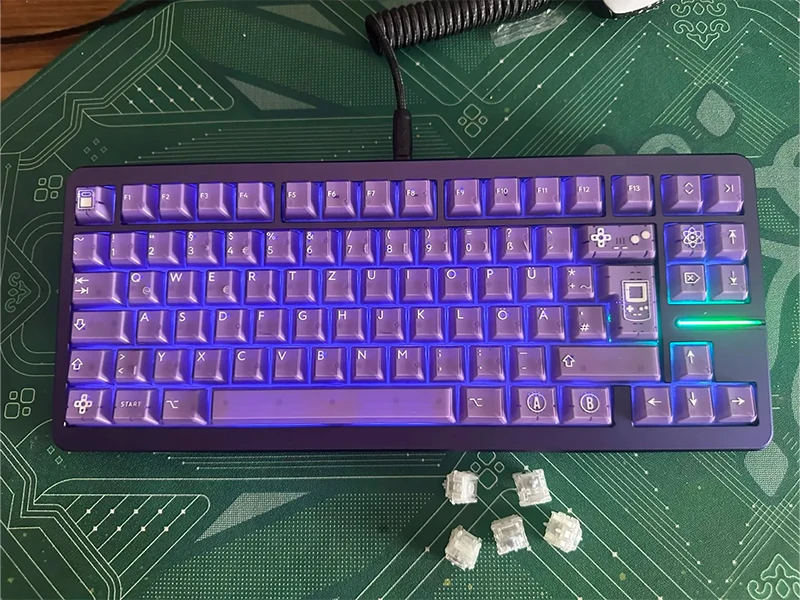
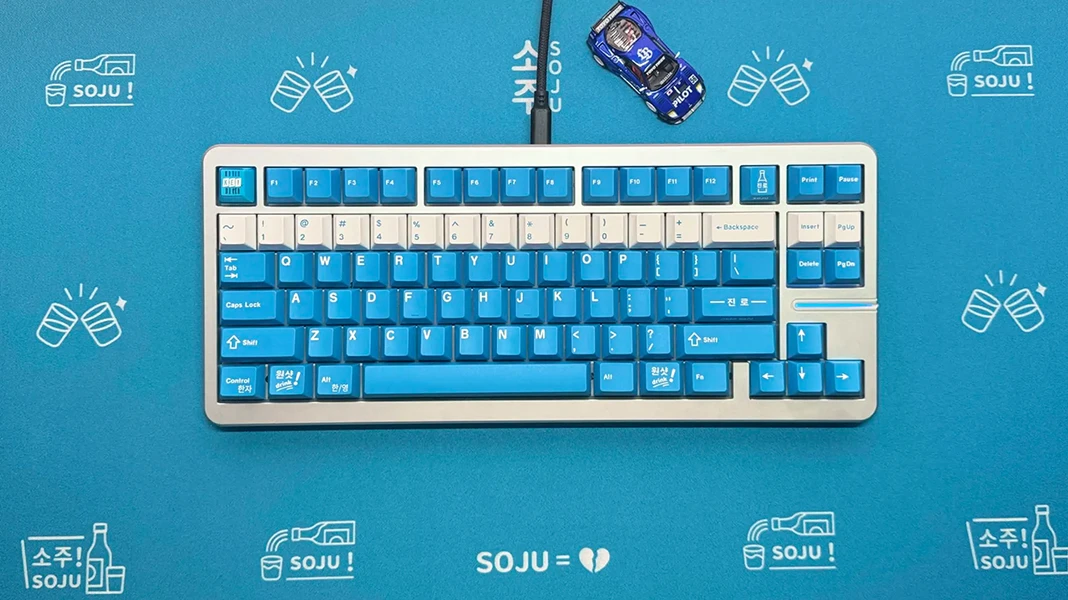
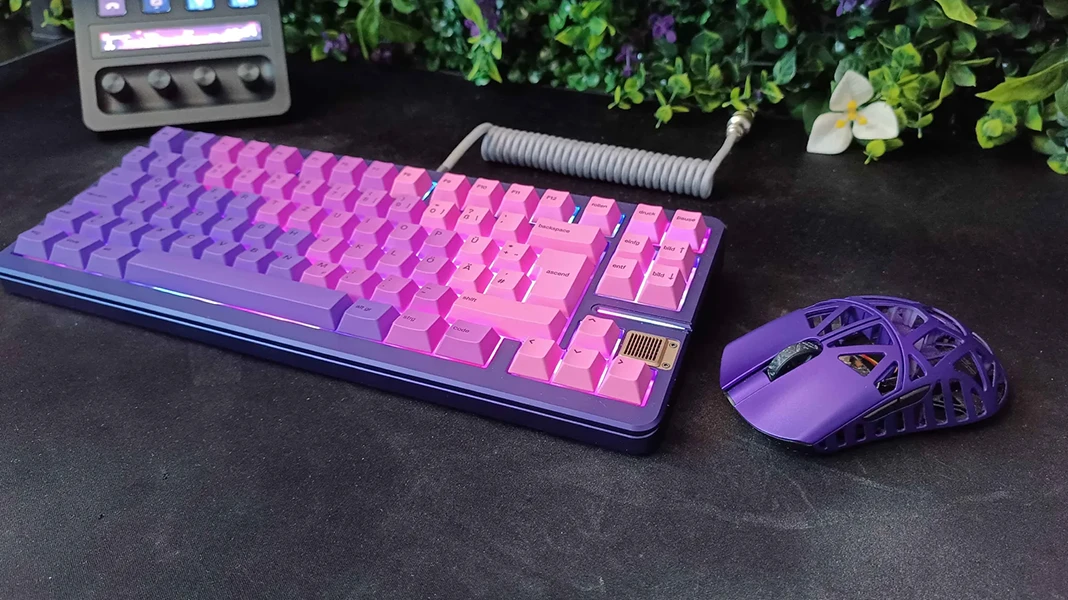
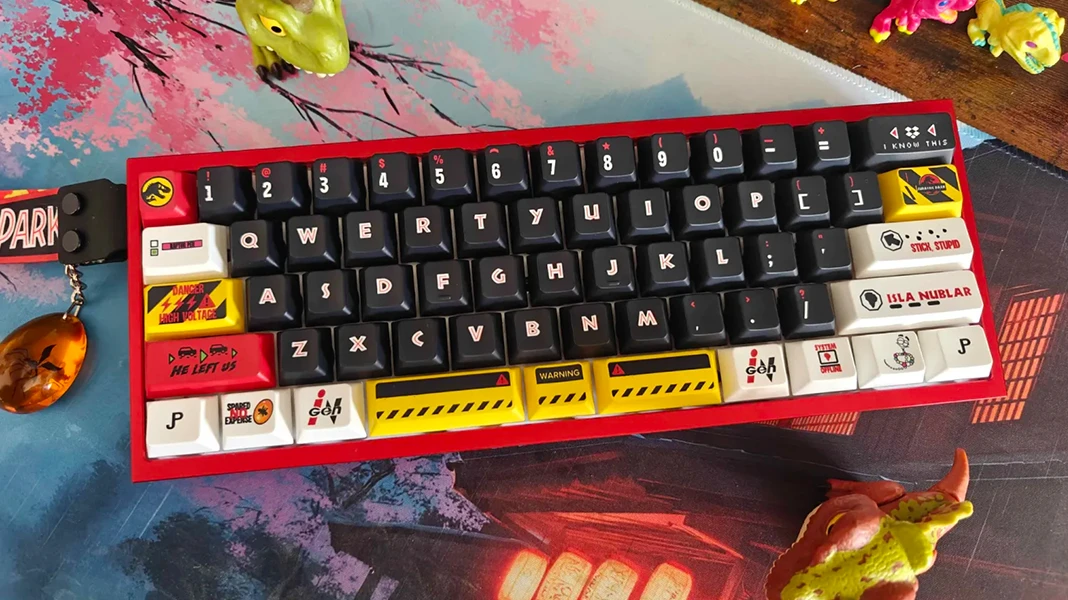
The practical details, all in one place.
Specs below describe the prebuilt Wooting 80HE+. The Module uses the same 80HE PCBA, and you can choose case/switches/keycaps separately.
| Layout | 80% layout. ANSI and ISO prebuilt; ANSI Split and ISO Split available with Build your own only |
|---|---|
| Switches | Lekker Tikken Medium |
| Case options | Dark: ABS plastic with a translucent top and opaque black bottom Frost: Recycled (PCR) ABS plastic Zinc: Zinc alloy |
| Keycaps | PBT double-shot, OEM profile and colour-matched to each model. Additional keycaps are included with ANSI prebuilts only |
| Connectivity | Detachable USB-C via a user-serviceable daughterboard |
| Keyboard angles | 2.8° default; 6° and 10° with hot-swappable silicone feet |
| Lighting | Per-key RGB and LED indicator bar |
| Dimensions | 346.34 × 142.8 × 35 mm | 13.64 × 5.62 × 1.38 inch 28.6 mm | 1.13 inch (H) front case height, no keycap |
| Weight | Dark (ABS plastic): 822 grams | 1.81 pounds ANSI 682 grams | 1.50 pounds ISO Frost (PCR ABS plastic): 845 grams | 1.86 pounds ANSI 693 grams | 1.53 pounds ISO Zinc alloy: 1920 grams | 4.23 pounds ANSI 1820 grams | 4.01 pounds ISO |
| Mounting construction | Silicone sandwich-gasket mounting with an alpha-area silicone pad |
|---|---|
| Switch-plate material | FR4 |
| Stabiliser type | Screw-in stabilisers |
| PET film | Layer beneath the switches |
| Tape modification | Painter's tape applied to the back of the PCBA |
| Bottom-case foam | Dark plastic and zinc: Black EPDM foam Frost: White polyurethane (PU) foam |

Everything included with your keyboard

Everything included with your keyboard

Everything included with your keyboard